12 Best Social Media Content Creation Tools for 2025
Discover the top 12 social media content creation tools for 2025. This guide offers actionable insights to help you create, automate, and analyze content.
Creating social media content that stops the scroll is more demanding than ever. It's not just about scheduling posts; it's about generating ideas, designing compelling visuals, editing engaging videos, and analyzing what works, all while maintaining a consistent publishing cadence. The right social media content creation tools can transform this complex process from a daily grind into a streamlined, efficient workflow.
This comprehensive guide breaks down the 12 best platforms and apps for 2025, moving beyond simple schedulers to focus on the tools that help you create. We’ll explore everything from all-in-one AI-driven suites to specialized apps for design, video, and repurposing. We provide actionable insights and practical examples to help you select the perfect tech stack for your specific needs, whether you're a solo creator, a small business owner, or a marketing agency managing multiple clients.
Each tool review includes screenshots, direct links, and a clear breakdown of its best use case, so you can quickly identify the most effective solution. We analyze specific features that solve real-world problems, such as simplifying complex video edits or generating a week's worth of visual assets in minutes. For precise image manipulation, tools offering features like AI-powered background removal can significantly enhance your visual content. Our goal is to equip you with the knowledge to build a powerful, efficient content engine that drives growth and engagement across all your social platforms.
1. NicheTrafficKit
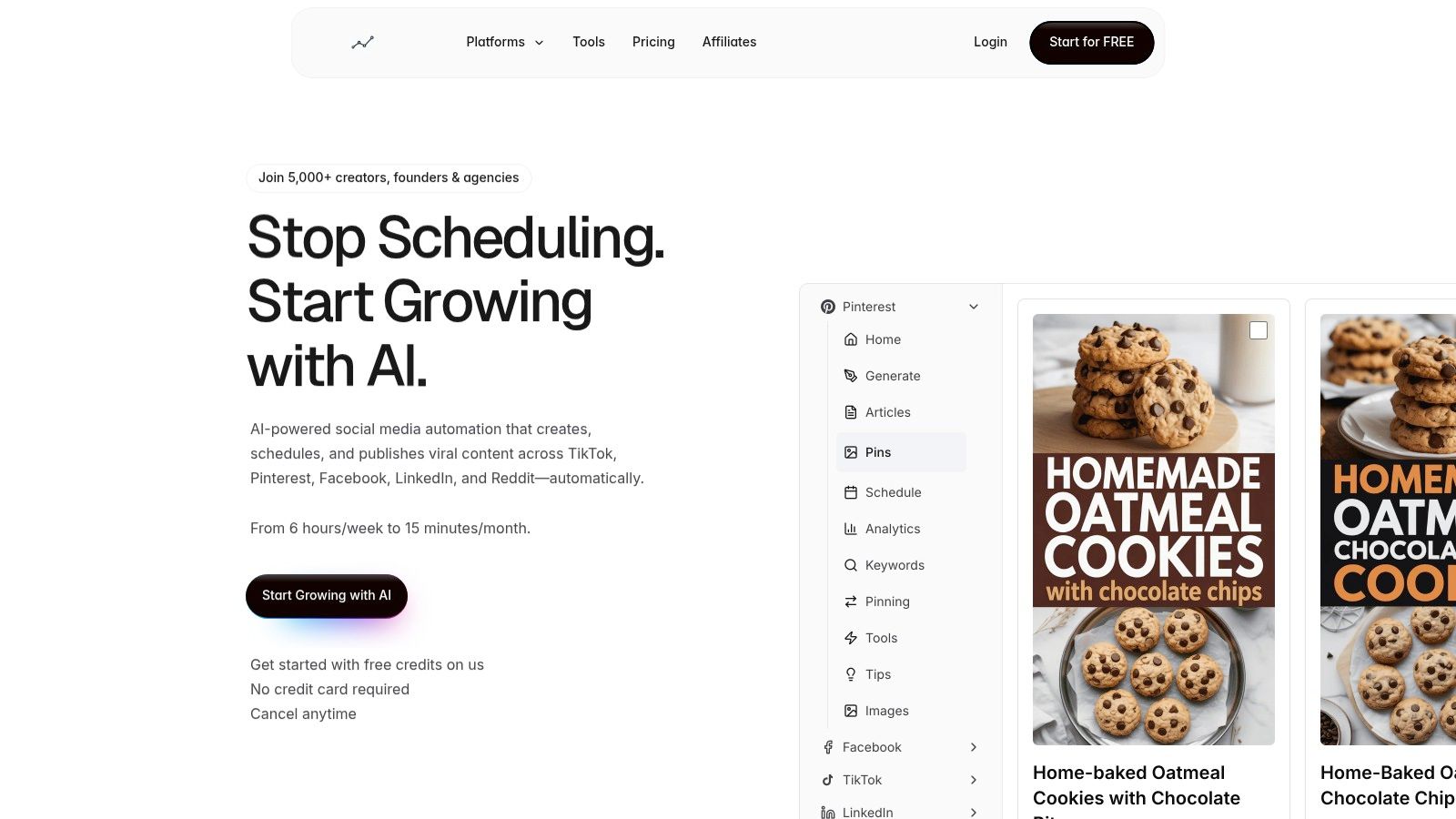
NicheTrafficKit stands out as a powerful, all-in-one platform among social media content creation tools, engineered to automate the entire creative workflow, not just the scheduling. It leverages AI to handle content research, platform-specific creation, and intelligent publishing, making it an exceptional choice for creators and businesses aiming for scalable growth with minimal manual input. The system learns your brand voice to generate everything from captions and hashtags to full carousels and even faceless YouTube videos.
Why It’s Our Top Pick
What truly sets NicheTrafficKit apart is its end-to-end automation and algorithm-first approach. Instead of simply pushing content out, its AI researches viral trends and top-performing content within your niche. It then creates optimized posts for each connected platform, including TikTok, Pinterest, Instagram, LinkedIn, and more. For example, give it a blog post URL, and it won't just share the link; it will create a unique, engaging carousel for Instagram, a thought leadership post for LinkedIn, and a series of viral-style Pins for Pinterest, all from the same source material.
Furthermore, its intelligent content recycling system automatically resurfaces your most successful posts at optimal times. This strategy maximizes the ROI of every asset, ensuring your best content continues to drive engagement long after its initial publication. For an agency managing multiple clients, this means you can set a strategy and trust the platform to execute it efficiently, freeing up time for higher-level client relations and growth initiatives.
Key Features & Use Cases
AI-Powered Content Generation: Moves beyond simple schedulers by creating platform-native content. Actionable example: Turn a single customer testimonial into a visually appealing Instagram Story, a concise Twitter (X) post, and a detailed LinkedIn recommendation, all with AI-generated captions tailored to each platform's tone.
Intelligent Content Recycling: The system identifies your best-performing posts and automatically re-queues them for publication during peak engagement windows, extending their lifespan and impact.
Multi-Channel Management: A unified dashboard allows you to manage content across all major social networks, ensuring a consistent yet tailored presence without logging into multiple platforms.
Built-in Growth Analytics: The platform provides clear, actionable data on what content is driving follower growth, traffic, and engagement, allowing you to refine your strategy based on proven results.
Pricing, Pros & Cons
Aspect | Details |
|---|---|
Pricing | Free Trial available. Paid plans start with Creator ($39/mo for 200 tokens, 3 accounts), Pro ($89/mo for 500 tokens, 10 accounts), and Ultimate ($499/mo). |
Pros | Comprehensive Automation: Dramatically reduces creative workload. Smart Recycling: Maximizes content ROI. Platform-Specific Optimization: Tailors content effectively. |
Cons | Token-based system can be costly for heavy video creators. AI content requires initial fine-tuning to perfectly match a unique brand voice and may need occasional human review. |
Website: https://nichetraffickit.com
2. Canva
Canva has evolved from a simple graphic design tool into a comprehensive content creation suite, making it an indispensable resource for social media managers and businesses. It excels at empowering non-designers to produce professional-quality visuals quickly. Its strength lies in its vast template library, which covers everything from Instagram Stories and carousels to LinkedIn banners and YouTube thumbnails, eliminating guesswork around platform-specific dimensions.
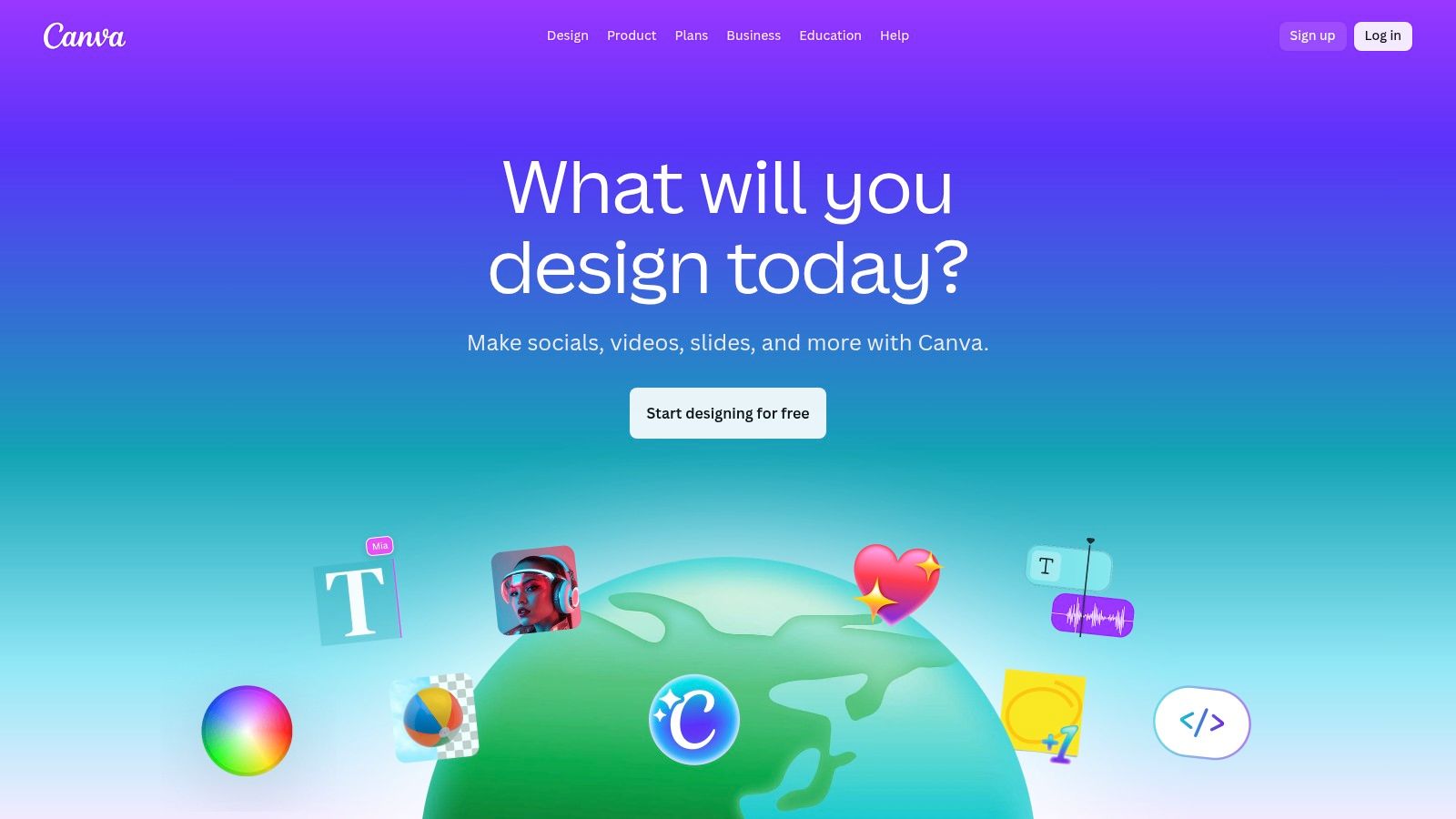
The platform’s drag-and-drop interface is famously intuitive. Practical example: A social media manager for a local coffee shop can find a "new product" template, customize it with the shop's logo and colors using the Brand Kit, and use the AI-powered Magic Write to generate a compelling caption in minutes. The built-in Content Planner then allows them to schedule this post directly to Instagram and Facebook, streamlining the entire workflow from idea to publication.
Key Features & Use Cases
Magic Studio: This AI suite is a game-changer. Use Magic Switch to instantly resize a single Instagram post design into formats for Stories, X, and a Facebook ad. Actionable insight: This saves hours of manual redesigning when you're launching a multi-platform campaign on a tight deadline.
Brand Kit: Essential for maintaining consistency. Upload your logos, brand fonts, and color palettes. For teams, you can lock key brand elements in templates to prevent off-brand edits and ensure everyone creates unified content.
Content Planner: A built-in scheduler that supports major platforms like Instagram, Facebook, LinkedIn, and Pinterest. This makes Canva a viable all-in-one tool for teams that want to design and schedule in one place.
Pricing and Access
Plan | Price (Per Person, Per Year) | Key Benefit |
|---|---|---|
Free | $0 | Access to basic templates and design tools |
Pro | Starting at $119.99 | 100M+ assets, Brand Kits, Magic Studio, 1TB storage |
Teams | Starting at $300 | Advanced brand controls, approval workflows |
Pros & Cons
Pros: Extremely user-friendly for non-designers. The massive library of templates and stock assets is constantly updated. The integrated scheduler simplifies workflows.
Cons: Team pricing can be confusing for some users. Advanced features like granular approval workflows are often locked behind the more expensive Teams plan.
Website: https://www.canva.com/
3. Adobe Express
Adobe Express brings the power of Adobe's creative engine into a streamlined, accessible package perfect for social media content creation. It serves as a direct, powerful competitor to Canva, offering an intuitive interface while integrating high-quality assets from Adobe Stock and the impressive Firefly generative AI. This makes it a go-to for creators and businesses already within the Adobe ecosystem or those seeking premium design capabilities without the steep learning curve of Photoshop or Illustrator.
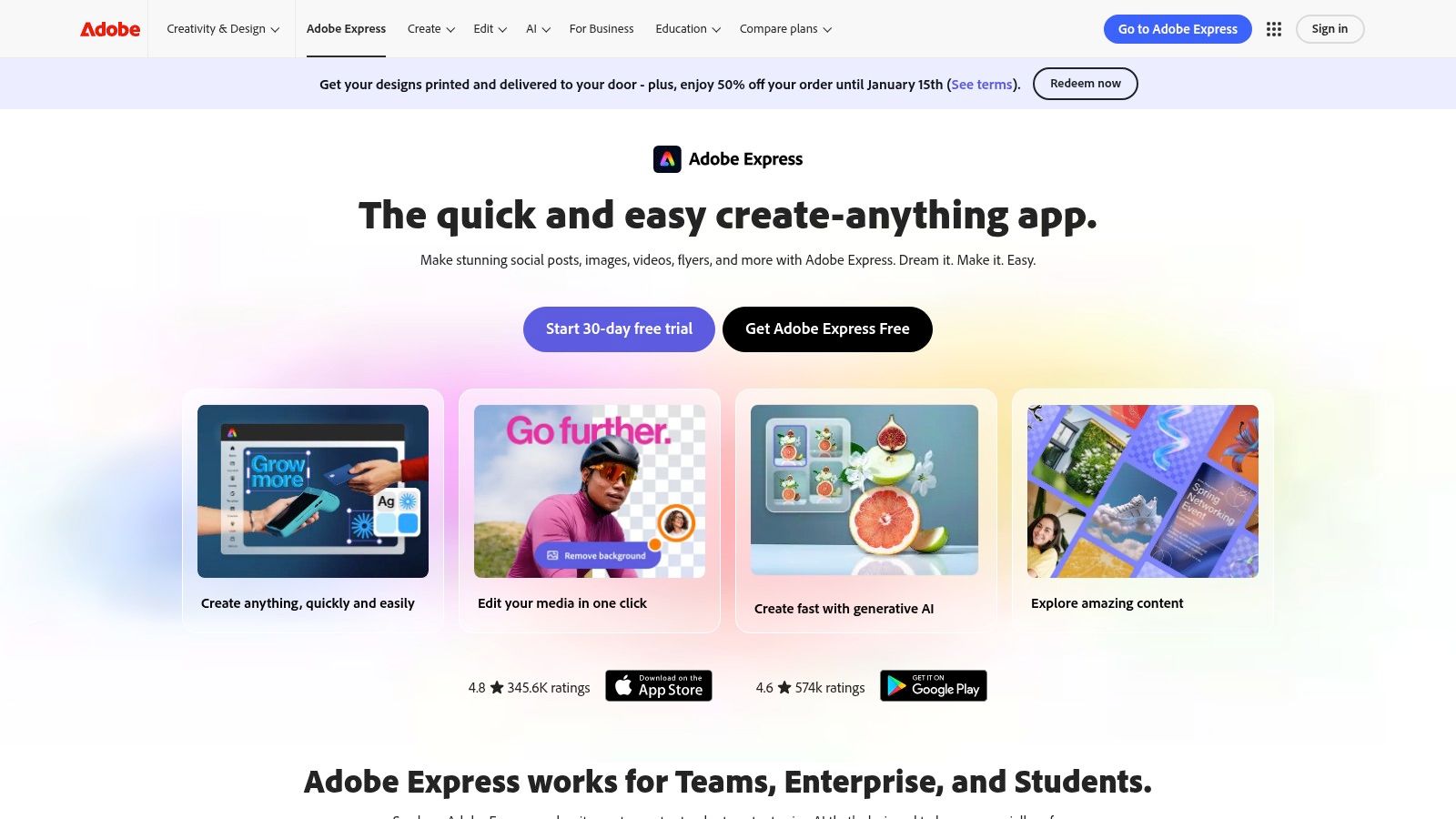
The platform shines in its integration of professional-grade tools in a simple format. Practical example: A marketing manager for a tech startup can use a product launch template, apply their company's exact brand fonts and colors from a linked Creative Cloud Library, and then use Generative Fill to add a futuristic city background to a product photo. They can then schedule the finished graphic directly to LinkedIn and X (formerly Twitter) using the built-in Content Scheduler, keeping the entire process within one tool.
Key Features & Use Cases
Generative AI by Firefly: A key differentiator. Use text-to-image to create unique visuals or Generative Fill to add or remove objects from photos seamlessly. Actionable insight: This is ideal for crafting original ad creative that stands out from generic stock photos.
Linked Assets & Brand Libraries: For businesses using Creative Cloud, this feature is invaluable. Maintain brand consistency by pulling approved logos, colors, and graphics directly from shared libraries, ensuring all social content is on-brand.
All-in-One Editor: Seamlessly switch between creating images, editing short videos, and designing PDFs. Features like one-click background removal for both photos and videos and quick animation presets simplify complex tasks.
Pricing and Access
Plan | Price (Per Person, Per Year) | Key Benefit |
|---|---|---|
Free | $0 | Basic editing, thousands of templates, limited Stock photos |
Premium | Starting at $99.99 | 200M+ Stock assets, 100+ GB storage, 250 gen AI credits/month |
Creative Cloud All Apps | Starting at $599.88 | Includes Premium Express plus 20+ apps like Photoshop |
Pros & Cons
Pros: Access to superior-quality Adobe Stock assets and fonts. Strong brand governance through Creative Cloud library integration. The Firefly AI is a powerful and ethically trained creative tool.
Cons: The generative AI credit system may be limiting for heavy users. Broader Creative Cloud pricing can be complex for newcomers.
Website: https://www.adobe.com/express/
4. Kapwing
Kapwing is a browser-based video editing powerhouse designed for speed and social media repurposing. It excels at transforming long-form content, like a podcast or webinar recording, into multiple engaging, short-form clips for platforms like TikTok, Instagram Reels, and YouTube Shorts. Its collaborative, web-based nature makes it a go-to for teams needing a fast and accessible workflow without installing heavy software.
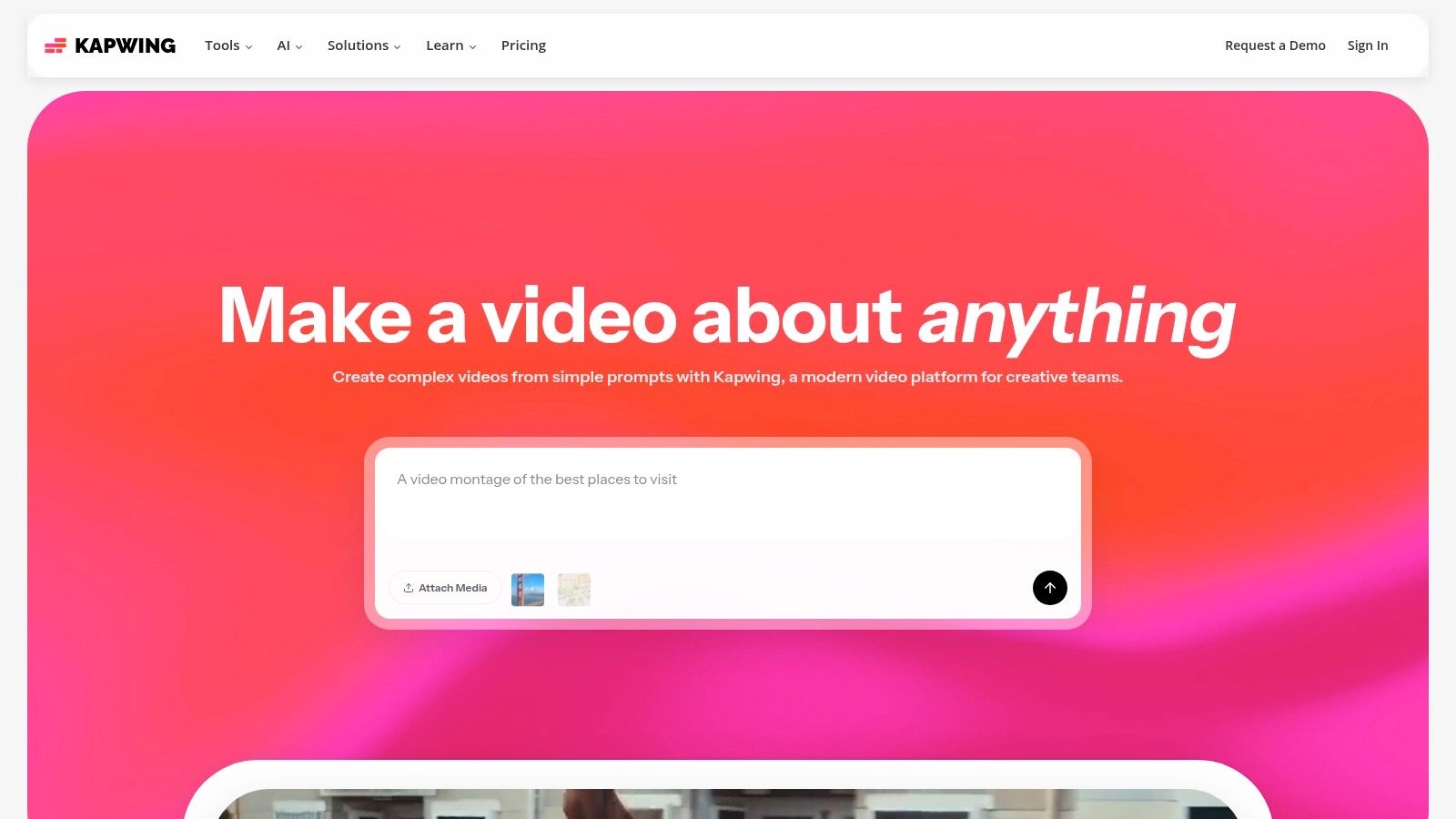
Practical example: A marketing team has a one-hour webinar recording. Using Kapwing, they can upload the file, and its AI can automatically find the most engaging segments to create 5-7 highlight clips. The team can then use the auto-subtitling feature to add dynamic, branded captions, instantly resize the video for vertical formats, and share a project link with the client for real-time feedback before exporting. This streamlined process makes it one of the most efficient social media content creation tools for video.
Key Features & Use Cases
AI-Powered Editing: Features like Smart Cut automatically remove silences, while the subtitle generator provides accurate, stylizable captions in minutes. Actionable insight: Use the AI dubbing tool to translate your video's audio into Spanish or German to reach new international audiences without hiring a voice actor.
Collaborative Workspace: Share projects via a link, allowing team members to comment and edit directly in the browser. This is ideal for agencies managing client approvals or internal marketing teams collaborating on video assets.
Repurposing Tools: Easily resize videos to fit any social media aspect ratio (9:16, 1:1, etc.). Use templates to quickly add branded intros, outros, and progress bars to maintain a consistent look across channels.
Pricing and Access
Plan | Price (Per Person, Per Year) | Key Benefit |
|---|---|---|
Free | $0 | Exports up to 4 mins with watermark, 720p resolution |
Pro | Starting at $192 | No watermark, 4K export, auto-subtitling, AI tools |
Teams | Starting at $384 | Centralized billing, shared Brand Kit, unlimited storage |
Pros & Cons
Pros: Extremely fast web-based workflow ideal for repurposing content. The AI subtitling and editing features save significant time. Clear plan breakdown for individual creators versus teams.
Cons: AI features operate on a credit system, which adds a usage quota to monitor. Exporting very long or 4K videos can be slow and may require a higher-tier plan for best performance.
Website: https://www.kapwing.com/
5. VEED
VEED has positioned itself as the go-to online video editor for social media, centralizing the entire video workflow into a single browser tab. It’s designed for creators and marketers who need to produce high-quality, engaging video content without the steep learning curve of professional desktop software. Its power lies in combining a user-friendly editor with a robust suite of AI tools that automate tedious tasks like subtitling and repurposing.
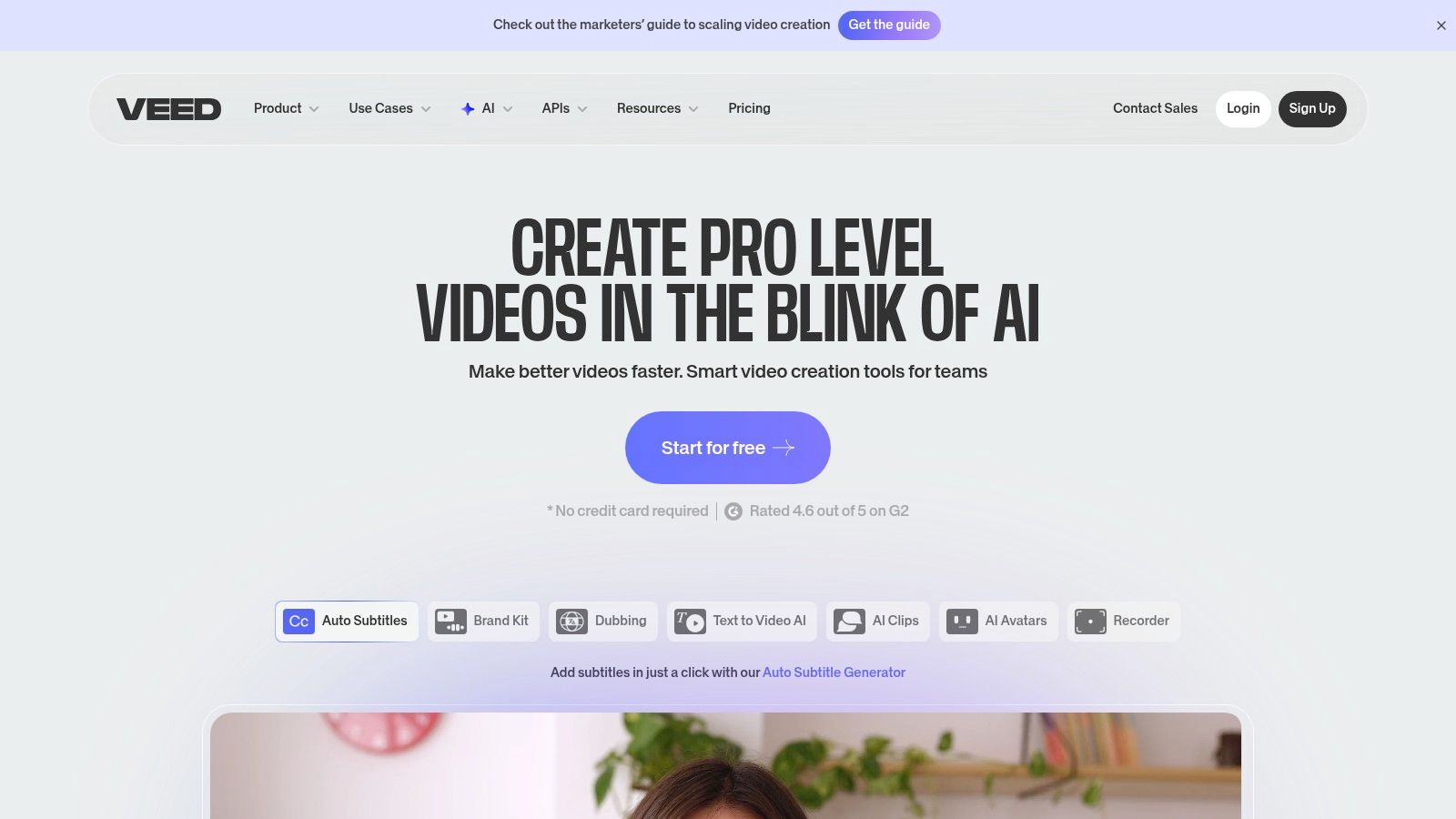
Practical example: A content creator managing a YouTube channel can upload a 20-minute video, and VEED’s AI Clips can automatically identify 3-4 viral moments and generate ready-to-post Shorts and Reels. They can then use the auto-subtitle generator to add captions, translate them into multiple languages for a global audience, and even add a trending sound, a process you can learn more about in this guide on how to add music to Instagram. This seamless process makes VEED one of the most efficient social media content creation tools for video.
Key Features & Use Cases
AI Subtitling & Translation: Automatically generate accurate subtitles for your videos and translate them into dozens of languages with one click. Actionable insight: This is crucial for maximizing accessibility and watch time on platforms like Instagram and TikTok, where up to 85% of videos are viewed without sound.
AI Clips & Generators: Upload a single long video, and the AI will create multiple short-form clips, complete with captions and reframing. This is perfect for repurposing webinars or podcasts into a week's worth of social media content.
All-in-One Workflow: Record your screen and webcam, edit the footage, add effects, and host the final video for sharing, all within VEED. This eliminates the need to juggle multiple applications.
Pricing and Access
Plan | Price (Per Person, Per Year) | Key Benefit |
|---|---|---|
Free | $0 | Basic editing, 2GB storage, 720p exports |
Basic | Starting at $144 | Auto-subtitles, translations, 20GB storage |
Pro | Starting at $288 | AI features (Clips, Eye Contact), 100GB storage |
Pros & Cons
Pros: Powerful all-in-one browser workflow (record, edit, publish). The AI-driven subtitle and translation pipeline is best-in-class for creating accessible, cross-platform content.
Cons: Advanced AI features are often locked behind more expensive Pro tiers. Specific plan prices can vary by region and may be gated behind a login.
Website: https://www.veed.io/
6. Descript
Descript has revolutionized audio and video editing by transforming it into a process as simple as editing a text document. This innovative approach makes it an essential tool for podcasters, course creators, and marketers who rely on dialogue-heavy content. Its core strength is its powerful AI-driven transcription, which allows you to edit media by simply deleting or rearranging words in the text, making content repurposing incredibly fast.
Practical example: You've just finished a 45-minute podcast interview. Using Descript, you can instantly transcribe it, use the AI to remove all filler words like "um" and "uh" with a single click, and then highlight 5-6 key quotes to generate a dozen short-form video clips for TikTok and LinkedIn. The platform automatically adds dynamic captions and allows you to add b-roll, making it a complete social-clipping machine. This text-based workflow is a significant time-saver compared to traditional timeline editing.
Key Features & Use Cases
Text-Based Editing: The standout feature. Edit your video or podcast by editing the transcribed text. Actionable insight: Found a great quote? Simply copy and paste the text to a new composition, and Descript instantly creates a new video clip of that moment, ready for social media.
Studio Sound: A one-click audio enhancement feature that removes background noise and echo, making recordings sound professionally produced. While Descript offers powerful audio editing, you might explore dedicated resources like this list of the 12 Best Noise Reduction Software for Audio for more advanced needs.
Overdub & AI Features: Clone your voice to correct misspoken words or create new audio content without re-recording. The AI can also correct your gaze in videos to ensure you're always looking at the camera.
Pricing and Access
Plan | Price (Per Person, Per Month, Billed Annually) | Key Benefit |
|---|---|---|
Free | $0 | 1 hour of transcription per month |
Creator | Starting at $12 | 10 hours of transcription, watermark-free exports |
Pro | Starting at $24 | 30 hours of transcription, full Overdub & AI features |
Pros & Cons
Pros: Incredibly intuitive for anyone comfortable with text editors. The workflow for creating social media clips from long-form content is exceptionally fast. Studio Sound is a game-changer for audio quality.
Cons: Overdub and other AI features consume credits, which can become costly with heavy use. The pricing plans and credit systems can change, so it's wise to confirm current limits before committing to large projects.
Website: https://www.descript.com/
7. CapCut
CapCut has rapidly become the go-to video editor for short-form content, largely due to its tight integration with TikTok and its trend-focused features. It brilliantly bridges the gap between mobile and desktop editing, offering powerful tools in an accessible package that feels native to social media creators. Its strength lies in speed and relevance, allowing anyone to produce high-engagement vertical videos for Reels, TikToks, and Shorts without a steep learning curve.
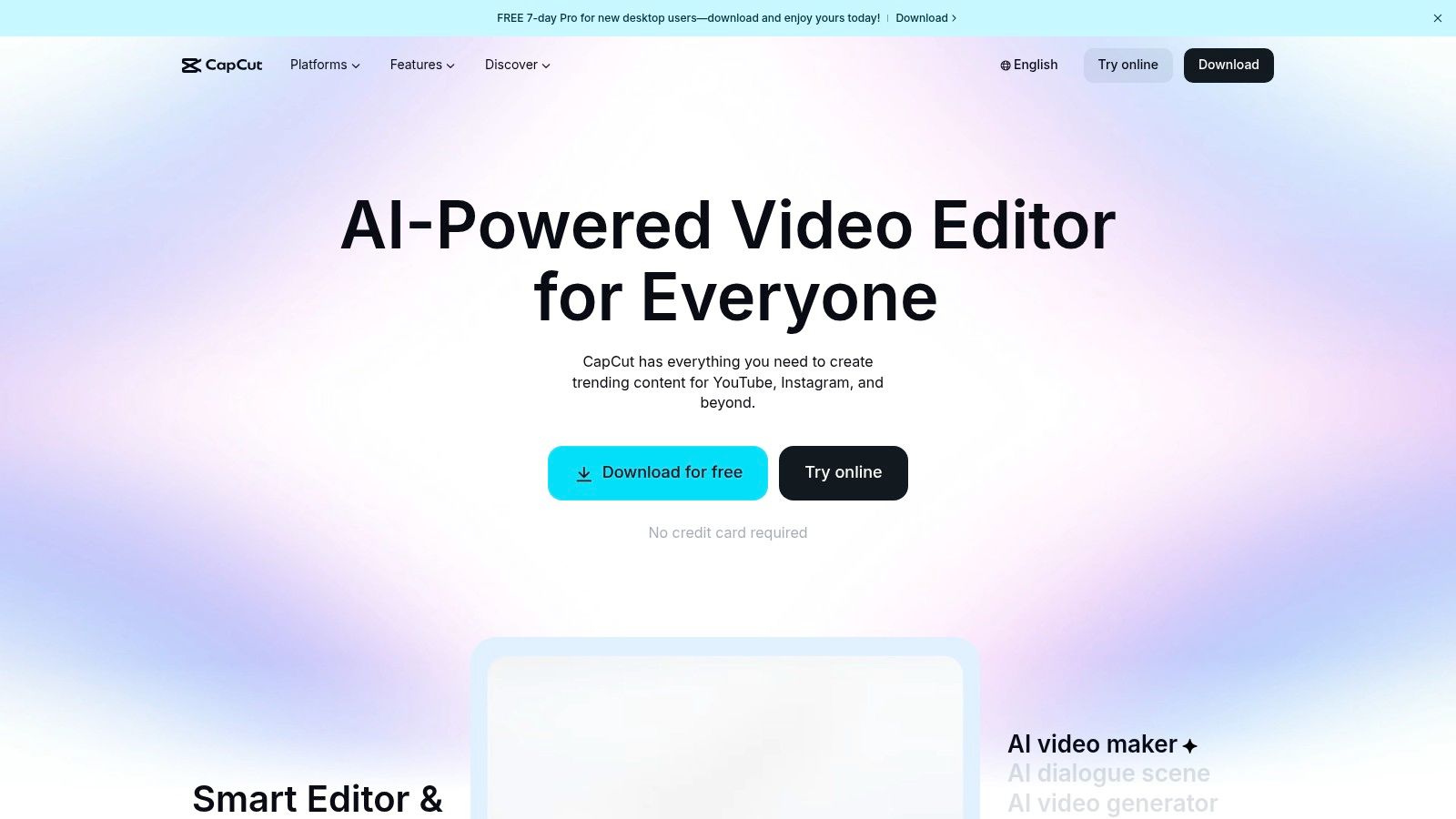
The platform’s template-driven workflow is a major advantage. Practical example: A small business owner promoting a flash sale can simply search for a "promo" template, drop in their product clips, and let CapCut automatically sync the footage to a trending audio track. The AI-powered auto-captioning then generates animated, on-screen text in seconds, a crucial element for silent viewers. The ability to start a project on a phone and finish it on a desktop via cloud sync makes it one of the most flexible social media content creation tools available.
Key Features & Use Cases
Template & Effects Library: A massive, constantly updated library of templates, effects, and sounds that are optimized for current social media trends. Actionable insight: Use this to quickly replicate popular video formats and jump on trends while they are still relevant, increasing your chances of going viral.
AI-Powered Captions: Automatically transcribes audio and generates animated, editable captions. This is essential for improving accessibility and viewer retention on platforms where videos often auto-play on mute.
Background Remover & Motion Tracking: Effortlessly remove video backgrounds without a green screen or lock text and graphics onto a moving object. These features allow for sophisticated edits that previously required advanced software.
Pricing and Access
Plan | Price (Per Person, Per Year) | Key Benefit |
|---|---|---|
Free | $0 | Access to most editing tools and a vast template library |
Pro | Starting at $95.88 | 4K export, cloud storage, advanced AI effects, Teamspace |
Business | Custom Pricing | Centralized asset management and team collaboration features |
Pros & Cons
Pros: Extremely fast for creating trend-based vertical video. The mobile app experience is powerful and intuitive. The free version is incredibly generous with its features.
Cons: Pricing can vary significantly by platform (mobile vs. desktop) and region. In-app price displays have been inconsistent for some users, so always verify the final cost at checkout.
Website: https://www.capcut.com/
8. Hootsuite
Hootsuite is one of the most established social media management platforms, evolving to integrate robust AI features for content creation alongside its powerful scheduling and analytics capabilities. It serves as a command center for teams and agencies that need to combine content ideation, scheduling, and performance tracking in one unified dashboard. Its strength lies in its enterprise-grade features and ability to handle a high volume of accounts and team members with structured approval workflows.
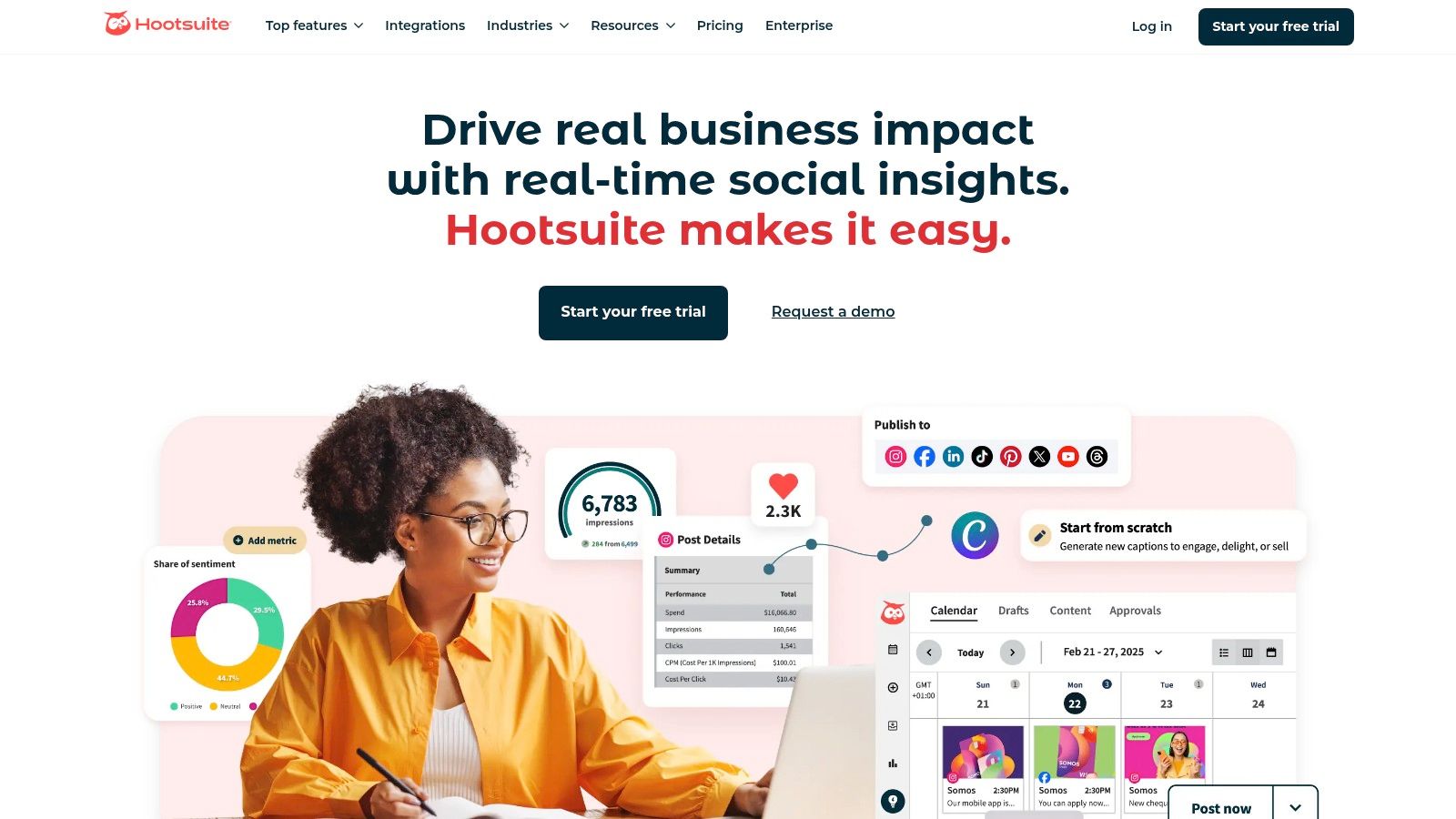
Practical example: A marketing agency managing several client accounts can use OwlyWriter AI to draft a month's worth of captions for a client, get ideas for trending topics, and even find relevant hashtags. The post can then be scheduled using the "best time to post" recommendation and sent to the client for approval directly within the platform, making it one of the top tools to manage multiple social media accounts. This all-in-one approach is what sets it apart.
Key Features & Use Cases
OwlyWriter AI: An integrated AI assistant designed to overcome writer's block. Actionable insight: Use it to instantly repurpose a top-performing blog post into a LinkedIn thought-leadership article, a Twitter thread, and several Instagram captions, all tailored with the right tone and length for each network.
Unified Content Calendar: Plan, create, and schedule content across all major networks from a single view. The calendar provides a clear overview of all scheduled and published posts, which is crucial for team collaboration.
Analytics and Reporting: Go beyond basic metrics with comprehensive reports that track performance and ROI. This is ideal for agencies needing to provide clients with detailed performance data.
Pricing and Access
Plan | Price (Per User, Per Month) | Key Benefit |
|---|---|---|
Professional | Starting at $99 | 1 user, 10 social accounts, unlimited post scheduling |
Team | Starting at $249 | 3 users, 20 social accounts, roles & permissions |
Enterprise | Custom Pricing | Advanced analytics, team productivity reporting, social listening |
Pros & Cons
Pros: Excellent for agencies and large teams managing many profiles. Combines AI content generation, advanced scheduling, and approval workflows in one platform.
Cons: The entry-level pricing is significantly higher than many other tools. Add-ons for features like social listening can substantially increase the total cost.
Website: https://www.hootsuite.com/
9. Buffer
Buffer is a long-standing and respected name in social media management, known for its clean interface and focus on straightforward scheduling. While not a visual design suite, it has become an essential content creation tool for creators and marketers who prioritize planning and copywriting. Its strength lies in its simplicity and reliability for getting content queued up and published consistently across multiple platforms.
The platform’s AI Assistant is a powerful asset for generating and refining post ideas. Practical example: A solo entrepreneur can input a link to a new product page, and the AI will generate multiple unique social media posts announcing the launch, tailored for LinkedIn, X, and Facebook, saving significant time on copywriting. This content can then be seamlessly added to the visual calendar, which is a core part of learning how to create a content calendar. Buffer makes it easy to see your entire schedule at a glance and fill any gaps.
Key Features & Use Cases
AI Assistant: Perfect for overcoming writer's block. Actionable insight: Use it to rewrite a formal press release into a casual, engaging Instagram caption, or expand a single bullet point into a full, informative LinkedIn post.
Visual Calendar: A clear, drag-and-drop calendar for planning and scheduling content. This is ideal for ensuring a consistent posting cadence and visualizing your strategy for the week or month.
Engagement Tools: The platform includes an inbox to manage comments and interactions from one place, helping you stay on top of community management without switching between apps.
Transparent Pricing: You pay per channel, making it easy to scale. A solo creator starting with one Instagram account can add a LinkedIn and Facebook channel later as their brand grows.
Pricing and Access
Plan | Price (Per Channel, Per Month) | Key Benefit |
|---|---|---|
Free | $0 | 3 channels, basic publishing tools |
Essentials | Starting at $6 | Planning & publishing tools, analytics, engagement |
Team | Starting at $12 | Unlimited users, draft collaboration, custom access |
Pros & Cons
Pros: Extremely user-friendly with a minimal learning curve. The per-channel pricing is transparent and affordable for those just starting out. Excellent support and documentation.
Cons: Becomes expensive for agencies or brands managing many channels. Content creation features are primarily text-based; it lacks advanced built-in visual or video editing tools.
Website: https://buffer.com/
10. Later
Later began as an Instagram-first scheduling tool and has since blossomed into a multi-platform content management system prized for its visual-centric approach. It stands out by allowing users to plan their Instagram feed aesthetically with a drag-and-drop Visual Planner, ensuring a cohesive and on-brand grid before anything goes live. This makes it a go-to for brands, creators, and agencies where Instagram's visual appeal is paramount.
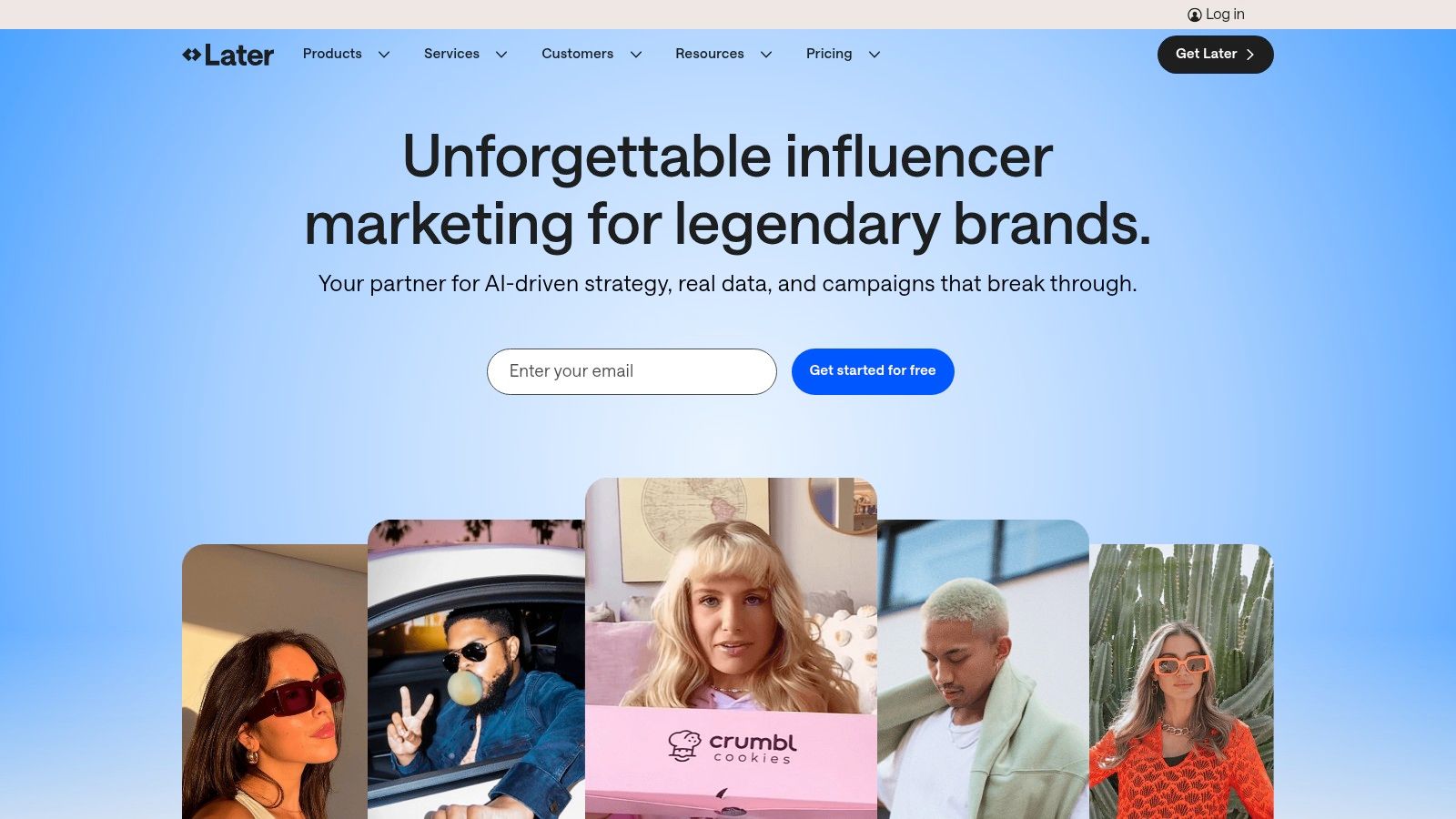
The platform is designed for streamlined workflows. Practical example: A social media manager for an e-commerce fashion brand can upload a month's worth of photos, visually arrange them in the Visual Planner to create a color-coordinated grid, use the AI Caption Writer to generate engaging text for each post, and then schedule them to auto-publish across Instagram, TikTok, and Facebook. Its clear post-count limits on plans also help teams accurately forecast their usage and budget.
Key Features & Use Cases
Visual Planner: Drag and drop posts on a mock Instagram grid to preview and perfect your feed's aesthetic. Actionable insight: This is crucial for brands that rely on a strong visual identity, allowing you to plan complex patterns or "checkerboard" effects before publishing.
AI Caption Writer: Overcome writer's block by generating relevant and tone-appropriate captions directly within the scheduler. This speeds up the content creation process significantly.
Link in Bio: A built-in tool to create a customizable, clickable landing page for your bio link, driving traffic from Instagram and TikTok to your most important content or products.
Pricing and Access
Plan | Price (Per Month) | Key Benefit |
|---|---|---|
Starter | Starting at $25 | 1 social set, 30 posts per profile, ideal for solopreneurs |
Growth | Starting at $45 | 3 social sets, 150 posts per profile, for small businesses |
Advanced | Starting at $80 | 6 social sets, unlimited posts, for growing marketing teams |
Pros & Cons
Pros: Excellent for visual-first platforms like Instagram and TikTok. Clear post limits on lower tiers make it easy for teams to budget and plan their content volume. The interface is clean and user-friendly.
Cons: Unlimited scheduling and advanced analytics are reserved for higher-priced plans. The pricing structure can become costly for agencies managing many clients.
Website: https://later.com/
11. Envato Elements
Envato Elements is an "all-you-can-eat" subscription service that provides unlimited downloads from a library of over 26 million creative assets. For social media managers, it's a treasure trove for quickly sourcing high-quality social media templates, stock video, music, graphics, and fonts, making it one of the most versatile social media content creation tools for refreshing creative assets. Its main strength is providing endless variety under a simple commercial license, eliminating the need to purchase assets individually.
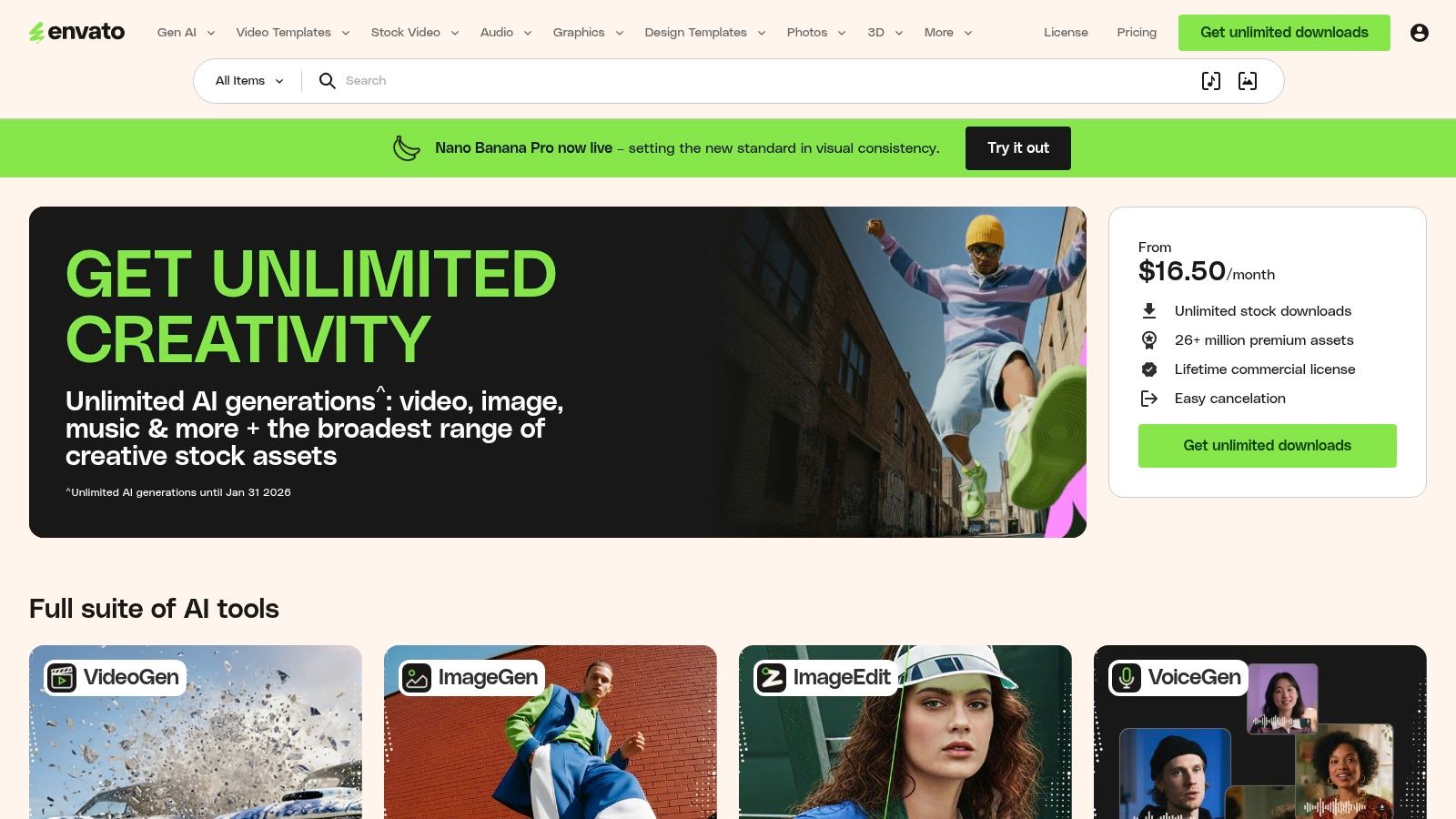
Practical example: A freelance social media manager is working with three different clients. Instead of buying separate template packs for each, they can download a modern Instagram story pack for a fashion brand, a corporate-style LinkedIn carousel template for a tech company, and engaging motion graphics for a restaurant's video ads, all from one subscription. This makes it incredibly cost-effective for agencies and freelancers who need a constant supply of diverse, professional assets without worrying about per-item costs.
Key Features & Use Cases
Unlimited Downloads: The core value proposition. Download as many templates, stock videos, sound effects, and graphics as you need for any project, from YouTube thumbnails to TikTok video backgrounds.
Simple Commercial License: Each downloaded asset is licensed for a specific project you register. Actionable insight: This straightforward system covers most commercial uses, including social media advertising and client work, giving you peace of mind.
Massive Template Library: Find ready-to-edit templates for virtually any social platform, compatible with software like Adobe Photoshop, Illustrator, and Premiere Pro. This is ideal for creators who prefer to work within professional editing software.
Pricing and Access
Plan | Price (Per Person, Per Year) | Key Benefit |
|---|---|---|
Individual | Starting at $198 | Unlimited downloads for one person |
Teams | Starting at $1,290 (5 members) | Centralized billing and shared asset management |
Enterprise | Custom | Custom licensing and dedicated account support |
Pros & Cons
Pros: Incredible value with its massive library and unlimited downloads. The licensing is straightforward for most commercial applications. A constant source of fresh creative inspiration.
Cons: The license is tied to a single project use; you must re-register an asset to use it in a new project. Direct support for individual items from their original authors is not included.
Website: https://elements.envato.com/
12. Creative Market
Creative Market is not a creation tool itself, but an essential marketplace for sourcing high-quality, professionally designed social media templates. It’s the go-to resource when you need a specific aesthetic that pre-made templates in apps like Canva can’t provide. Brands can purchase one-off template bundles for posts, carousels, stories, and ad creatives made by independent designers, avoiding yet another subscription.
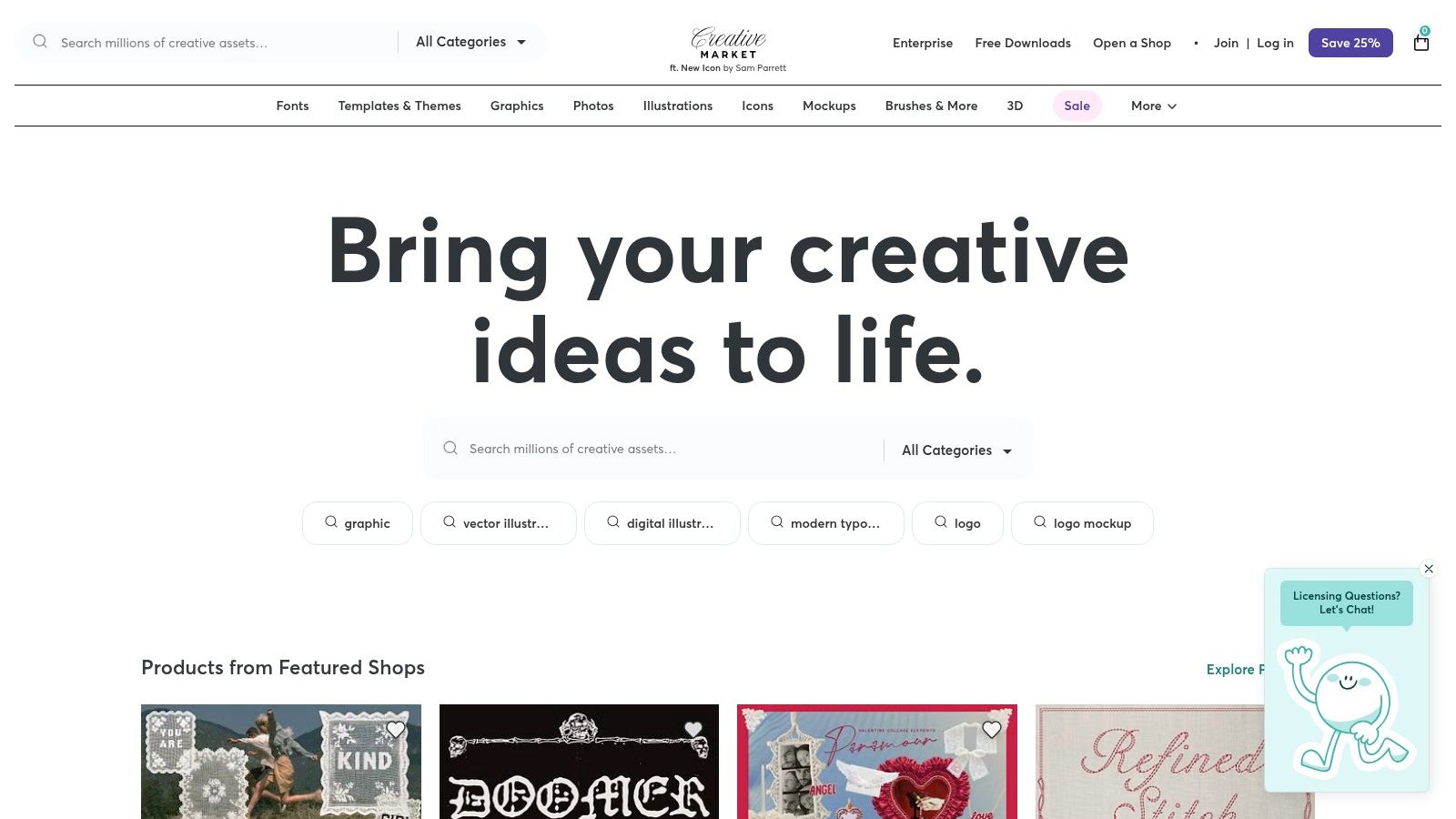
The platform’s strength is its vast, curated selection that caters to niche industries and styles. Practical example: A luxury real estate agent needs a sophisticated, minimalist look for their Instagram. They can find a template pack that perfectly matches their brand identity, purchase it once, download the files (often compatible with Canva, Photoshop, or Illustrator), and reuse the designs indefinitely for new listings, saving countless hours on custom design work.
Key Features & Use Cases
Diverse Template Packs: Find thousands of unique, aesthetic-specific bundles for every platform. Actionable insight: This is ideal for campaigns that require a distinct visual theme, like a seasonal promotion or a new product launch, ensuring your content stands out.
Clear Licensing: The platform offers straightforward Standard and Extended licenses. For example, the Standard license is perfect for your brand's organic social media, while the Extended license is necessary if you plan to use the template in a large-scale paid ad campaign.
Independent Designer Support: Purchase directly from creators. Many sellers provide excellent support and are open to communication through the platform's messaging system if you have questions about a file.
Pricing and Access
Plan Type | Price | Key Benefit |
|---|---|---|
Individual Purchase | Varies by Product (e.g., $15 - $70+) | One-time payment for perpetual use under the chosen license |
All-Access Pass | Starting at $29.95/month | Unlimited downloads of millions of assets for a monthly fee |
Pros & Cons
Pros: Buy-once model is cost-effective for specific needs. The variety of unique, high-quality designs from independent creators is unparalleled.
Cons: Quality and documentation can vary significantly between sellers, so checking reviews is crucial. You must carefully manage licenses, especially for commercial or large-scale ad use.
Website: https://creativemarket.com/
Top 12 Social Media Content Creation Tools — Comparison
Product | Core features | UX & Quality (★) | Value / Pricing (💰) | Target audience & USP (👥 ✨) |
|---|---|---|---|---|
NicheTrafficKit 🏆 | End‑to‑end AI content (posts, captions, carousels, faceless YouTube); multi‑platform auto‑publish; trend research & recycling | ★★★★★ · AI learns brand voice; huge time savings | 💰 Creator $39/mo, Pro $89/mo, Ultimate $499/mo; token-based; free trial | 👥 Creators, SMBs, agencies · ✨ Auto‑resurface winners, platform‑specific AI, Pinterest SEO |
Canva | Template-driven design suite, Magic Studio, content planner, brand kits | ★★★★☆ · Fast for non‑designers | 💰 Free tier; Pro (individual) ~ $12.99/mo; large asset library | 👥 Non‑designers & teams · ✨ Massive templates + one‑click resize |
Adobe Express | Streamlined design/video + Firefly AI, stock assets, scheduling | ★★★★ · High‑quality assets & brand controls | 💰 Free tier; Premium adds stock & gen‑AI credits (paid) | 👥 Brands seeking Adobe quality · ✨ Firefly gen‑AI & strong brand governance |
Kapwing | Browser video/image editor, auto‑subtitles, AI dubbing, collab tools | ★★★★ · Rapid repurposing workflow | 💰 Freemium; paid tiers & credit model for AI | 👥 Creators repurposing long→short · ✨ Auto‑subtitles & AI dubbing |
VEED | Online video editor with AI clips, voice cloning, hosting/player | ★★★ · All‑in‑one record→edit→publish flow | 💰 Freemium; paid tiers unlock advanced AI/hosting | 👥 Short‑form creators & clients · ✨ Voice cloning, client share pages |
Descript | Text‑based video/podcast editing, Overdub, transcription, multicam | ★★★★ · Edit like a doc; great for talking‑heads | 💰 Free/basic; paid plans for Overdub & team features | 👥 Podcasters & B2B video teams · ✨ Overdub voice cloning & doc edit |
CapCut | Trend templates, AI captioning, background remover, cloud projects | ★★★★ · Mobile‑first, fast trend output | 💰 Mostly free; Pro features vary by region | 👥 TikTok/Reels creators · ✨ Trend‑optimized templates + cloud projects |
Hootsuite | Scheduling, OwlyWriter AI, analytics, approvals, listening add‑ons | ★★★ · Enterprise‑grade with many integrations | 💰 Paid plans (enterprise pricing); add‑ons increase cost | 👥 Agencies & large teams · ✨ Robust approvals, listening & reporting |
Buffer | Scheduling, AI assistant, visual calendar, analytics, community inbox | ★★★★ · Simple, transparent UX | 💰 Tiered per‑channel pricing; affordable entry | 👥 Small teams & creators · ✨ Transparent per‑channel pricing |
Later | Visual planner, auto‑publish, AI captions, analytics, approvals | ★★★ · IG/TikTok‑focused planning | 💰 Freemium; paid tiers with post‑count limits | 👥 Instagram/TikTok creators & teams · ✨ Visual planner + post‑count controls |
Envato Elements | Unlimited downloads of templates, stock video/music, fonts | ★★★★ · Massive asset breadth | 💰 Subscription (~$16–$20/mo annual) · unlimited downloads | 👥 Designers & agencies needing assets · ✨ Unlimited assets + simple commercial license |
Creative Market | Marketplace for one‑off template packs with clear licenses | ★★★ · Wide stylistic variety from indie creators | 💰 Pay‑per‑item; Standard/Extended licenses | 👥 Buyers needing niche aesthetics · ✨ One‑off packs from independent designers |
Choosing Your Perfect Toolkit: All-in-One vs. Specialized Apps
We've explored an extensive landscape of powerful social media content creation tools, from comprehensive all-in-one platforms to highly specialized applications for design, video, and automation. The sheer volume of options can feel overwhelming, but the right toolkit is out there, waiting to revolutionize your workflow. The key takeaway is that there is no single "best" setup; the ideal stack is the one that aligns perfectly with your team’s size, goals, budget, and biggest operational bottlenecks.
Making the right choice begins with a clear-eyed audit of your current process. Where do you lose the most time? Is it in the initial ideation and research phase? Or perhaps it's the tedious process of resizing a single graphic for five different platforms? Identifying these friction points will illuminate which type of tool will deliver the most significant impact.
All-in-One Platforms: The Path to Scalability
For many creators, small businesses, and marketing teams, the central challenge is efficiency and scale. Juggling multiple subscriptions, logins, and workflows across different apps creates complexity and slows down production. This is where an integrated, all-in-one platform like NicheTrafficKit shines brightest.
By consolidating content research, multi-format creation, platform-specific optimization, and intelligent repurposing into a single dashboard, these platforms act as a force multiplier. They are built for teams and individuals who value speed and consistency above all else. If your primary goal is to automate the mundane, scale your output across multiple channels without hiring more staff, and maintain a cohesive brand presence, an all-in-one solution is almost certainly your most strategic investment. It directly tackles the root cause of content bottlenecks rather than just treating the symptoms.
Specialized Tools: The Pursuit of Perfection
On the other hand, if your role demands unparalleled creative control or industry-leading features in a specific domain, a specialized approach is often necessary. A professional video editor will likely find the advanced timeline controls and audio mastering features in a tool like Descript indispensable. Similarly, a graphic designer leading a major brand campaign will need the deep customization and asset management capabilities of a dedicated design suite.
The power of specialized tools lies in their depth. They do one thing, and they do it exceptionally well. The trade-off, of course, is the need to build a "stack" of several tools, which can introduce workflow complexities and increase monthly costs.
Finding Your Hybrid Sweet Spot: The Best of Both Worlds
For many, the ultimate solution isn't an "either/or" choice but a strategic combination. A powerful hybrid model involves using an all-in-one platform as the core engine for 80% of your content needs, then supplementing it with a specialized tool for that critical 20% requiring deeper functionality.
Here’s a practical example:
Core Engine: Use NicheTrafficKit to generate content ideas, create foundational blog posts, and automatically repurpose them into LinkedIn articles, Twitter threads, and email newsletters.
Specialized Polish: For a high-stakes Instagram Reel or a key YouTube video, export the AI-generated script and use a dedicated video editor like CapCut or VEED to add advanced transitions, custom captions, and sophisticated sound design.
This approach gives you the speed and scale of an integrated system while retaining the creative precision of specialized software exactly when you need it. By leveraging the free trials offered by nearly every tool on this list, you can experiment and build a workflow that empowers you to create higher-quality content, faster and more consistently than ever before. Your perfect toolkit is a reflection of your unique creative and business goals, so start building it today.
Ready to stop juggling dozens of apps and finally build a scalable content engine? NicheTrafficKit consolidates the entire content lifecycle, from ideation and creation to multi-platform repurposing and scheduling, using powerful AI. See how our all-in-one platform can help you reclaim your time and amplify your message by visiting NicheTrafficKit to start your trial.
