Master Your Social Media Scheduling Platform
Discover how a social media scheduling platform can streamline your workflow, boost engagement, and unlock strategic growth for your brand or agency.
Ever felt like you're a hamster on a wheel, constantly trying to keep up with posting on all your social media channels? You're not alone. The daily grind of logging into Instagram, then Twitter, then LinkedIn, then TikTok is exhausting.
That's where a social media scheduling platform comes in. Think of it as your social media command center. Instead of manually pushing out content every single day, you can plan, create, and schedule all your posts in advance from one spot. It’s a game-changer for reclaiming your time and building a consistent online presence.
What Is a Social Media Scheduling Platform
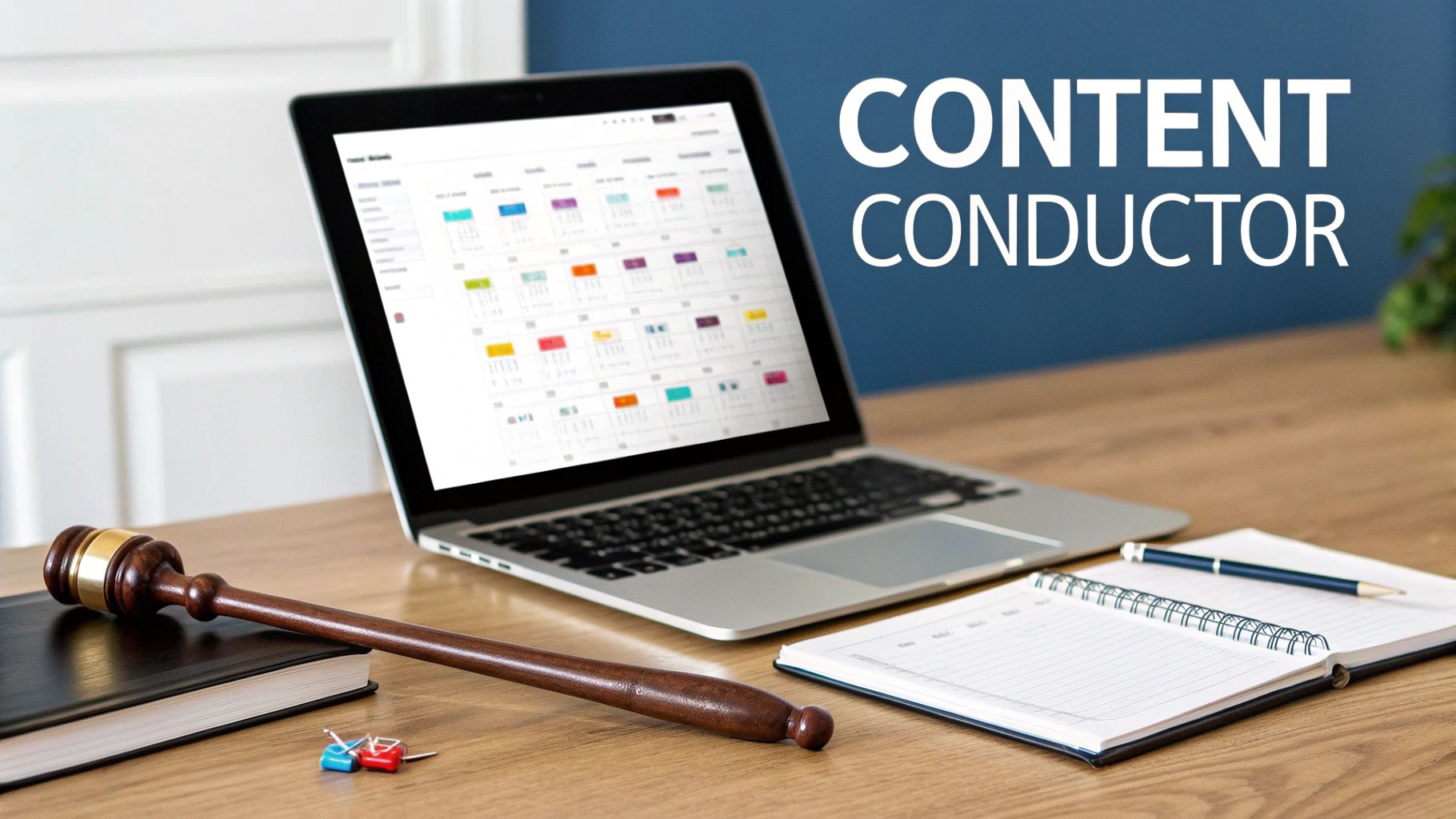
Picture an orchestra where every musician is playing a different song at a different time. That’s what manual social media management feels like—chaotic and rarely effective. A social media scheduling platform is the conductor, bringing all your efforts into a beautiful, strategic harmony.
These tools are built to solve two huge problems: brand inconsistency and wasted time. By setting aside a block of time to plan your posts for the week or even the month, you turn social media from a relentless daily chore into a manageable, strategic part of your business.
But today's platforms do so much more than just "post later." They've become incredibly smart hubs for your entire social media strategy.
Beyond Simple Scheduling
A basic scheduler is like a simple alarm clock—it just reminds you when it's time to do something. A modern platform, on the other hand, is like a complete smart home system. It doesn’t just handle one task; it connects everything to make your whole operation run smoother.
From a single content calendar, you can manage your posts for Instagram, TikTok, LinkedIn, and Facebook all at once. This gives you a bird's-eye view of your entire plan, making it easy to spot gaps and ensure you have a healthy mix of content. A huge part of their value is that they teach you how to automate social media posts the right way.
A social media scheduling platform centralizes your content planning, creation, and publishing. It’s the difference between reacting to social media daily and proactively controlling your brand's narrative.
To truly understand the shift in workflow, let's look at a side-by-side comparison.
Manual Posting vs Automated Scheduling At a Glance
Aspect | Manual Posting | Using a Scheduling Platform |
|---|---|---|
Time Investment | Daily, time-intensive logins and uploads for each platform. | Batch content creation and scheduling in one session. |
Consistency | Inconsistent posting times, easy to miss days. | Consistent, pre-planned posting schedule. |
Strategy | Reactive, often last-minute content ideas. | Proactive, strategic planning with a clear overview. |
Efficiency | Highly inefficient, repetitive tasks. | High efficiency through automation and templates. |
Collaboration | Difficult to manage with a team, no central view. | Centralized dashboard for seamless team collaboration. |
Analytics | Manual data collection from each platform; hard to compare. | Integrated analytics to track performance across all channels. |
The table makes it clear: moving to a scheduling platform isn't just a small tweak, it's a fundamental upgrade to how you manage your social media presence.
The Driving Force Behind the Growth
The demand for these tools is exploding for a reason. The global social media management market is projected to grow at a staggering CAGR of 26.41% between 2023 and 2028. This isn't surprising when you consider that brands are trying to connect with over 4.62 billion social media users (a 2022 figure that's only grown). You can dig into the market data yourself over at marknteladvisors.com.
This massive growth points to a critical truth: successful social media is built on a strategic, well-planned foundation, not random, hurried updates. A scheduling tool provides the structure you need to build a powerful brand without the constant daily pressure.
Core Features That Drive Your Strategy
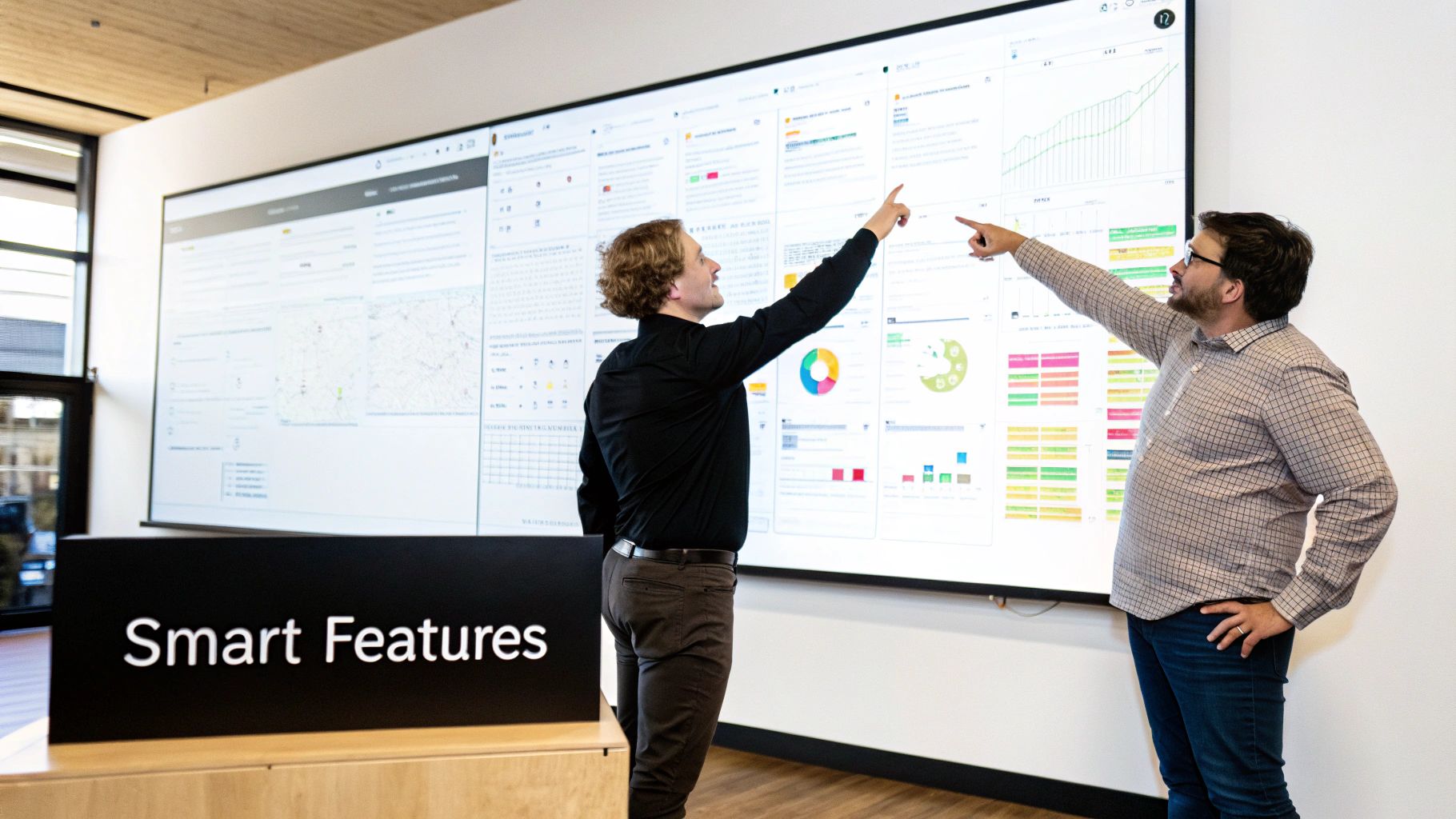
Sure, scheduling posts is the starting point, but today’s social media scheduling platform is so much more than a simple timer. Think of it as a complete toolkit where every feature works together to build a smarter, more effective content strategy. These aren't just shiny bells and whistles; they're what separate a reactive, chaotic approach from a proactive, data-driven one.
At their heart, these core functions are your content engine. They handle the repetitive, time-consuming tasks so you can get back to what matters: being creative and thinking about the big picture.
A Unified Content Calendar
The first thing you'll notice beyond basic scheduling is the unified content calendar. This is your command center for everything social. Forget logging into five different apps to figure out what’s going live—you get a single, bird's-eye view of your entire content plan.
This isn’t just about convenience. It’s about clarity. You can see your entire content rhythm at a glance, making it easy to ensure you have a healthy mix of promotional, educational, and fun posts lined up for the week.
Practical Example: An e-commerce brand is prepping for a big product launch. With a unified calendar, the team maps out the entire month across Instagram, LinkedIn, and TikTok. They immediately see that week two is way too salesy on LinkedIn and there’s a three-day dead zone on TikTok. They can now adjust the strategy and plug those holes before they ever become a problem.
Advanced Analytics and Reporting
Throwing content at the wall and hoping it sticks is a terrible strategy. Advanced analytics takes the guesswork out of the equation, giving you hard data on what your audience actually cares about. A great platform won't just dump numbers on you; it'll present them in a way that makes sense.
These tools go way beyond vanity metrics like likes and shares. They track the good stuff: reach, engagement rates, click-throughs, and follower growth, letting you connect the dots between your social activity and real business outcomes.
Actionable Insights You Can Gain:
Performance by Platform: Finally figure out which channels are sending you the best traffic.
Content Theme Analysis: See which topics and formats consistently get the most buzz.
Optimal Posting Times: Pinpoint the exact days and hours your audience is online and ready to engage.
For example, your analytics might reveal that Tuesday morning LinkedIn posts drive the most qualified leads, while Friday afternoon Instagram Reels are your secret weapon for brand awareness. That kind of insight is gold. It lets you tailor your schedule for maximum impact everywhere. You can dive deeper into this by learning about the best times to post on social media.
AI-Powered Content Assistance
Artificial intelligence isn't some far-off sci-fi concept anymore; it’s a practical assistant baked right into the best scheduling tools. These AI features are designed to smash through writer's block, help you scale content, and make sure every post is perfectly polished for its platform.
Think of it less as a robot writing for you and more as a brilliant assistant. These tools can spark new ideas or chop up your existing content into fresh formats, saving your team a ton of time. It's also why keeping up with new features in social publishing is so important—the tech is always getting better.
Practical Example: You just hit "publish" on a meaty 2,000-word blog post. Instead of manually brainstorming a dozen social posts, you drop the URL into your platform's AI helper. Seconds later, it spits out five distinct, ready-to-go captions: a professional summary for LinkedIn, an engaging question for Instagram, and a punchy one-liner for Twitter, complete with smart hashtag suggestions for each.
These core features aren't isolated; they create a powerful feedback loop. Your planning informs your content, your analytics refine your planning, and AI helps you create better content, faster.
How Different Professionals Win with Scheduling

A social media scheduling platform isn't a one-size-fits-all tool. Its real value depends entirely on who's at the keyboard. For some, it’s a time machine, handing back precious hours. For others, it’s the engine that powers growth that would otherwise be completely out of reach.
The true magic of these tools comes to life when you see how they solve specific, real-world headaches for different people. Whether you're a solo creator building a brand from scratch or an agency juggling dozens of clients, the goal is always the same: turning social media chaos into a controlled, strategic asset.
Solo Creators and Influencers
For anyone building a personal brand, consistency is currency. Your audience expects a reliable stream of content, but the creative well isn't always flowing. This is where a scheduling platform becomes your most dependable partner.
Think about a YouTuber who also needs to keep Instagram and TikTok buzzing to drive viewers to their main channel. Instead of frantically trying to post something new every single day, they can block off one afternoon to batch-create and schedule an entire month’s worth of short-form videos, carousels, and promos.
By getting everything scheduled in advance, the creator frees up their mental bandwidth. They can stop worrying about the daily grind and focus on what actually grows their channel: scripting, filming, and editing that next big video. Social media stops being a distraction and becomes an automated marketing funnel working for them.
This approach ensures their brand stays visible and active even during intense creative sprints, preventing burnout while keeping their audience engaged. It's the best defense against the relentless content treadmill.
Small Business Owners
If you're a small business owner, time is your most precious and limited resource. You're constantly juggling inventory, customer service, and sales, with marketing often falling to the bottom of the list. A social media scheduler gives you critical leverage, putting your marketing on autopilot so you can focus on actually running the business.
Let’s say an e-commerce store owner is gearing up for a big holiday sale. Those weeks are pure chaos. Instead of trying to post on Instagram between packing orders and answering customer emails, they can schedule the entire campaign weeks ahead of time.
Example E-commerce Workflow:
Two Weeks Out: Schedule posts to announce the sale and build excitement.
Sale Week: Automate daily posts featuring different products, countdowns, and customer testimonials.
Final Day: Schedule a few "last chance" reminders to create urgency and push final sales.
With the entire promotional calendar locked in, the owner can give their full attention to fulfillment and support during the sale, knowing their marketing is running like clockwork in the background.
Marketing Agencies
For marketing agencies, it all comes down to scalability and client management. Trying to handle social media for multiple clients by hand isn't just inefficient—it’s a recipe for missed posts, embarrassing mistakes, and unhappy clients. A scheduling platform is the central command center that makes it all manageable.
An agency using a tool like NicheTrafficKit can oversee ten different client accounts from one dashboard. Features like approval workflows are a lifesaver. A junior manager can draft the posts, which automatically go to a senior strategist for review, and then on to the client for the final thumbs-up via a simple, secure link.
This organized process also makes reporting a breeze, allowing the agency to show each client a clear return on their investment. As the market for these tools is projected to grow by USD 54.98 billion between 2024 and 2029, agencies are right in the thick of it, managing complex campaigns for clients across an average of 6.75 platforms. You can explore more about this explosive market growth and what's driving it. This is exactly how smart agencies scale their operations while keeping service quality high.
Choosing the Right Scheduling Platform for You
Picking the right social media scheduling platform can feel like a huge commitment, but it really doesn't need to be. The best tool isn't necessarily the one with the longest feature list; it’s the one that just clicks with your workflow, your team, and what you’re trying to achieve. It all starts with getting really honest about what you actually need.
Think of it less like shopping and more like matchmaking. By figuring out your non-negotiables first, you can easily filter out the noise and zero in on the platforms that will genuinely make your life easier and your marketing better.
Start with a Self-Audit Checklist
Before you even glance at a pricing page, take a step back and define what's truly essential for your day-to-day operations. A quick self-audit is your secret weapon—it gives you a clear roadmap and stops you from getting dazzled by fancy features you’ll probably never touch.
Just grab a notebook or open a doc and jot down your answers to these questions:
Platform Priorities: Where does my audience actually live? Is TikTok a must-have, or is my world centered on LinkedIn and Facebook?
Team Dynamics: Is it just me, or do I need seats for my team? Think about things like multi-user access, approval workflows for posts, or specific permissions for clients.
Content Creation Needs: Do I need a little help in the creative department? Look for built-in helpers like AI caption writers, hashtag finders, or a smooth integration with a tool like Canva.
Analytics Depth: Are basic likes and shares enough, or do I need the full picture? Deeper analytics can show you ROI, how you stack up against competitors, and who your audience really is.
Answering these helps you build a profile of your ideal tool. A solo creator might put a premium on a clean, simple mobile app, while an agency will be looking for rock-solid client management and white-label reporting.
This checklist is your foundation. To make it even more practical, let's put it into a table you can use to compare your top contenders side-by-side.
Platform Evaluation Checklist
This simple table will help you systematically vet each platform against your specific needs, making the final decision much clearer.
Evaluation Criteria | Your Requirement (High/Medium/Low) | Notes / Platform A vs. Platform B |
|---|---|---|
Supported Social Networks | High | Platform A has TikTok, B doesn't. |
Ease of Use (UI/UX) | High | Platform B's interface is much cleaner. |
Team Collaboration Features | Medium | A has better approval workflows. |
Content Creation Aids (AI, etc.) | Low | Both have similar basic features. |
Analytics & Reporting | Medium | B's reports are more visual & client-friendly. |
Third-Party Integrations | High | A integrates with our CRM, B doesn't. |
Customer Support Quality | Medium | A has 24/7 chat, B is email only. |
Pricing & Scalability | High | B's per-profile model is better for us. |
Security (2FA, etc.) | High | Both offer Two-Factor Authentication. |
By filling this out for each tool you’re considering, you move from guesswork to a data-backed decision. It forces you to weigh what truly matters for your business.
Demystify Pricing and Scalability
Let’s be honest, pricing plans for these tools can be a maze. But they usually boil down to a few common models. Getting a handle on them is the key to avoiding a surprise bill down the road when your brand starts to grow. You don't want to choose a tool that’s a bargain today but becomes a budget-breaker once you add one more team member.
You need a platform that’s ready to grow with you.
Key Insight: The goal isn’t to find the cheapest option. It’s to find the best value—a platform with a pricing structure that supports your growth instead of penalizing it.
Here are the usual suspects when it comes to pricing:
Per-User Pricing: Simple enough. You pay a fee for each person on your team. This works well for small crews but can get expensive fast as you hire.
Per-Profile Pricing: The cost is tied to the number of social media accounts you connect. This is often a more predictable and fair model for agencies managing a roster of clients.
Feature-Tiered Plans: The classic model. More powerful tools, like advanced analytics or AI features, are reserved for the more expensive plans.
Always, always check the fine print for hidden limits on scheduled posts, users, or the number of profiles you can connect. The right social media scheduling platform should feel like a partner, not a gatekeeper.
Evaluate Key Integrations and User Experience
A scheduling tool doesn't live on an island. Its true power is unlocked by how well it plays with the other software you use every day. A platform that slots seamlessly into your existing tech stack is a massive win.
For example, an integration with Canva means you can whip up visuals and queue them for posting without ever switching tabs. Connecting to Google Drive or Dropbox makes managing your assets a breeze, and a link to your analytics tools can pipe social data right into your main business dashboards.
Finally, never, ever underestimate the power of a good user experience (UX). The most feature-packed platform on the market is totally useless if it’s a clunky, confusing nightmare to use. This is exactly what free trials are for.
Sign up and actually use them. Is the interface intuitive? Can you find what you’re looking for without a map? Kick the tires on their customer support, too. Shoot them a question and see how long it takes to get a helpful response. It’s a great preview of the service you’ll get when you’re a paying customer. To get a head start, you can explore this curated list of the best social media management tools to see how different options compare.
From Setup to Optimization: Your Practical Workflow
Jumping into a new tool can feel overwhelming, but a good social media scheduling platform is built to make your life easier, not more complicated. The move from frantic, manual posting to a calm, automated workflow is actually pretty simple when you break it down. This isn't about blowing up your entire strategy overnight—it's about taking smart, practical steps that pay off right away.
The whole process starts with a solid setup. Instead of getting distracted by every shiny feature, you'll want to focus on building a strong foundation first. That way, your team can get started immediately, and you can start winning back your time.
Seamless Onboarding and Setup
The first goal is to leave the chaos of last-minute posting behind for good. Begin by connecting your most important social media profiles. Don't try to hook up every single account you own; just focus on your top two or three to get started. Master the basics, then expand.
Next, you'll want to build the backbone of your strategy: the content calendar. A fantastic place to start is to create a content calendar that maps out your themes, promotions, and key dates for the next 30 days. This simple guide will become your North Star for all scheduling.
Finally, set up roles and permissions inside the platform. Even if you're a one-person show right now, getting this right from the beginning is key for future growth.
Administrator: Has the keys to the kingdom—full control over billing, users, and all social accounts.
Editor: Can create, edit, and schedule posts that are ready for approval.
Contributor: Can draft posts and send them up for review but can't publish anything themselves.
Establishing these roles from day one builds an organized, scalable system that prevents mistakes and keeps your brand voice consistent as your team grows.
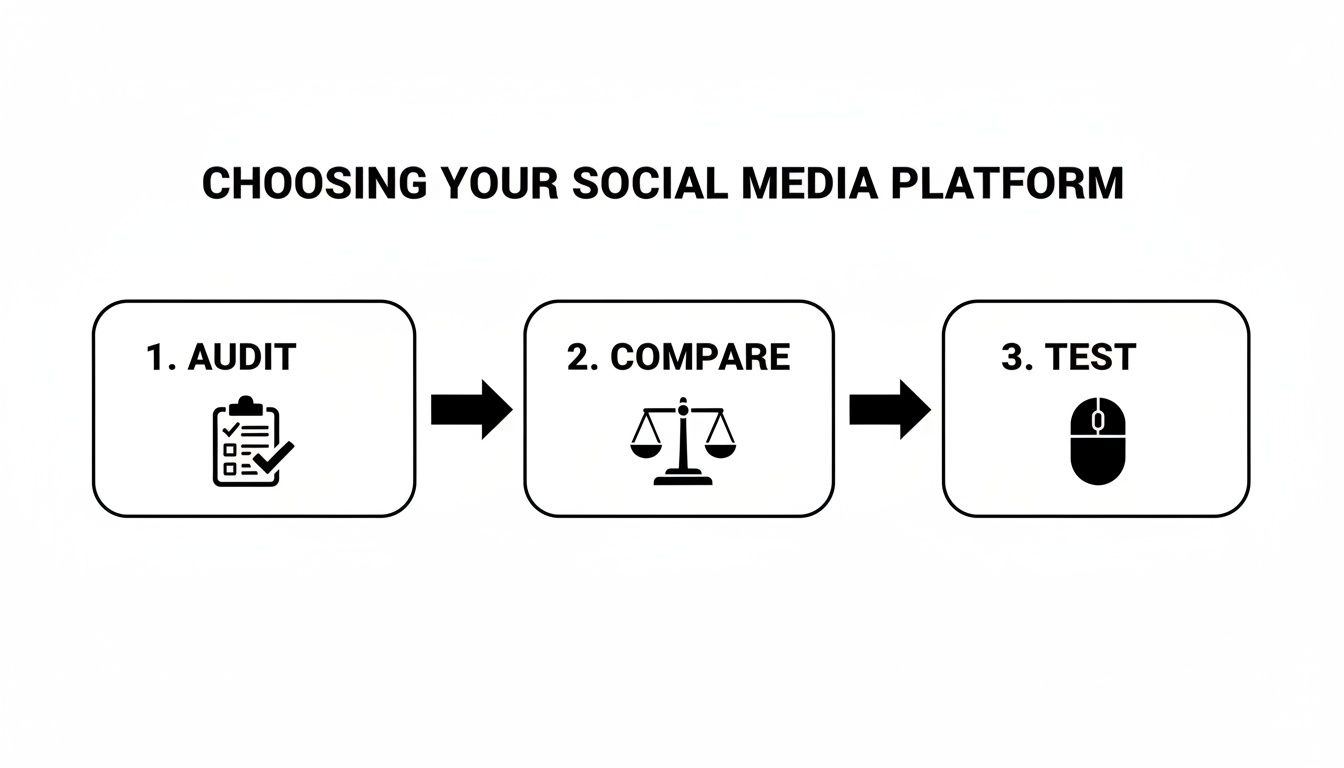
This simple visual breaks down how to make that initial decision. By auditing what you need, comparing the tools, and testing your top pick, you can be confident the platform you choose is a perfect fit.
The Content Repurposing Workflow
One of the smartest ways to use these platforms is for content repurposing. This is the classic "work smarter, not harder" approach, where you squeeze every drop of value out of each piece of content you produce. The idea is to take one big "pillar" piece of content and slice it up into a bunch of smaller, platform-specific posts.
Let's say you just published a big customer case study. Instead of just dropping the link everywhere, you can use your platform's AI tools to spin it into a full-blown campaign in minutes.
Practical Example: Repurposing a Case Study
Pillar Content: A 1,500-word blog post detailing a customer's success story.
LinkedIn Article: Use the platform's AI to generate a crisp, 500-word summary for LinkedIn, focusing on the key business results.
Instagram Carousel: Create a five-slide carousel featuring the biggest stats, a powerful quote from the customer, and a clear call-to-action—all designed right inside the tool.
Twitter Thread: Generate a series of five quick, engaging Tweets that break the case study down into bite-sized, shareable nuggets.
This single workflow turns one asset into nearly a dozen unique social posts, effortlessly filling your calendar with high-quality content.
Performance-Based Content Strategy
The final piece of the puzzle is creating a feedback loop where your performance data tells you exactly what to create next. This is how you stop guessing what your audience wants and start knowing what they respond to.
At the end of every month, pop open your analytics dashboard and pinpoint your top-performing posts. Look for common threads—what topics, formats, or posting times drove the most engagement? Once you have that intel, use it to plan the next month's content, doubling down on what's already proven to work.
Looking ahead to 2026, this data-driven approach is more important than ever. With the average person scrolling through 6.75 different social platforms each month, you can't afford to ignore any channel. This is where tools like NicheTrafficKit really shine, helping you automate your posting and spot what’s driving real growth, whether it's a viral pin or a popular Reddit thread. This kind of optimization isn't just a nice-to-have; it's becoming essential.
Frequently Asked Questions
Jumping into the world of social media automation can feel like a big step, and it's smart to have questions. Before you commit to a social media scheduling platform, you want to be sure it’s the right move. Let's tackle some of the most common questions and concerns we hear from people just like you.
My goal here is to cut through the marketing fluff and give you straight, practical answers so you can make a decision with confidence.
Will Using a Scheduling Platform Hurt My Engagement?
This is probably the number one myth out there, and it’s time to put it to rest. The short answer is no. Using a reputable platform that’s an official partner with the social networks will not harm your reach or engagement. In fact, it often does the opposite by helping you post consistently when your audience is most likely to be online.
The real threat to engagement isn't the tool—it's a lazy strategy. If you just "set it and forget it" with generic, robotic posts that are identical across every platform, people will tune out.
Actionable Insight: Use your platform’s customization features. When scheduling a post, write a punchy, short caption for Twitter, a more detailed one for LinkedIn, and add relevant hashtags and a location tag for Instagram. This takes a few extra minutes but makes each post feel native and boosts performance.
How Much Time Can I Realistically Save?
The time savings are real, and they are significant. For a small business owner manually juggling three different platforms, you're easily looking at 4-5 hours a week just logging in, uploading, and trying to write captions on the spot.
A scheduling platform completely changes that workflow. You can block off a single afternoon to plan, create, and schedule an entire month’s worth of content.
Here's a practical example: A solo creator can spend a few hours on a Sunday planning their content. They can shoot and edit a batch of short videos, design graphics in Canva, and then load everything into their scheduler for the next month across TikTok and Instagram. What used to be a daily stress becomes one focused, productive session.
When you start using more advanced features like AI-powered content ideas or repurposing tools, you save even more time. You’re no longer just reacting to the day; you’re proactively executing a long-term plan.
Are These Platforms Only for Large Businesses?
Not at all. While big marketing agencies definitely rely on them to manage multiple clients, these platforms are an absolute lifesaver for solopreneurs, creators, and small businesses. You could argue they deliver even more bang for the buck to smaller teams.
For an individual creator, a scheduling tool is the powerhouse assistant you can't afford to hire yet. It allows you to maintain a professional presence across several channels without burning out.
For a small e-commerce shop, it puts a critical marketing function on autopilot. This frees you up to focus on things that directly make money, like talking to customers, developing new products, or closing sales. Most platforms, including NicheTrafficKit, offer different pricing tiers, from super affordable starter plans to more powerful enterprise options, so there’s a fit for any budget.
How Do I Measure the ROI of a Scheduling Platform?
Figuring out the return on your investment (ROI) comes down to looking at two things: the hard numbers you can track and the less tangible, but equally important, strategic benefits.
Quantitative ROI (The Hard Numbers):
Track Your Metrics: Use the platform’s built-in analytics to watch your follower growth, engagement rates (likes, comments, shares), and clicks to your website. Compare these numbers to where you were before you started using the tool.
Calculate Time Saved: Put a dollar value on your time. If a scheduler saves you 15 hours a month and you value your time at $50/hour, that’s $750 worth of your time freed up—which is probably much more than the monthly subscription.
Attribute Leads and Sales: If you sell products or services, use UTM parameters in your links to see exactly how many sales or sign-ups came directly from your scheduled social media posts.
Qualitative ROI (The Strategic Value):
Brand Consistency: Showing up with a consistent schedule and a polished look builds brand recognition and trust.
Reduced Stress: The daily scramble to "find something to post" is gone. That mental energy can go toward bigger ideas.
Smarter Strategy: The tool forces you to think ahead, turning random social media activity into a deliberate, long-term content plan.
Think of a good platform as an investment in your own efficiency and growth, not just another bill. It pays for itself in time saved, better results, and a much more sustainable workflow.
Ready to stop the daily social media scramble and start building a powerful, automated content engine? NicheTrafficKit uses AI to handle everything from content creation and trend research to scheduling and analytics, giving you back hours every week. Start your free trial today and see how easy it is to grow your brand on autopilot.
