The 12 Best Free Pinterest Scheduler Tools for 2026

Discover the top 12 free Pinterest scheduler tools to automate your pinning. Compare features, limits, and find the best app to grow your traffic in 2026.
Spending hours manually pinning content every day is an inefficient way to grow your Pinterest presence. A reliable free Pinterest scheduler can reclaim your time, streamline your workflow, and supercharge your content strategy without impacting your budget. But with dozens of options available, from Pinterest’s own native tool to third-party apps with limited free plans, choosing the right platform for your specific needs can be a challenge. This guide cuts through the noise and delivers a definitive, hands-on comparison of the best free and freemium Pinterest scheduling tools available today.
We've tested each platform to provide actionable insights into its real-world limitations, unique features, and ideal use cases. For each scheduler, you will find a quick setup guide with screenshots and direct links to get you started immediately. To truly streamline your Pinterest efforts and maximize efficiency, it's beneficial to understand content automation and how it can enhance your overall workflow. Whether you are a creator managing multiple accounts, a small business driving traffic, or a marketer seeking efficiency, this detailed breakdown will help you find the perfect tool to automate your pinning schedule and achieve consistent growth on the platform.
1. Pinterest (native scheduler)
The most accessible free Pinterest scheduler is the one built directly into the platform itself. Available to all Business accounts, Pinterest’s native scheduler is the ideal starting point for creators and small businesses who want basic scheduling capabilities without committing to a third-party tool. It allows you to schedule a single standard Pin at a time, setting a specific date and time for it to go live directly from the Pin creation screen on desktop or mobile.
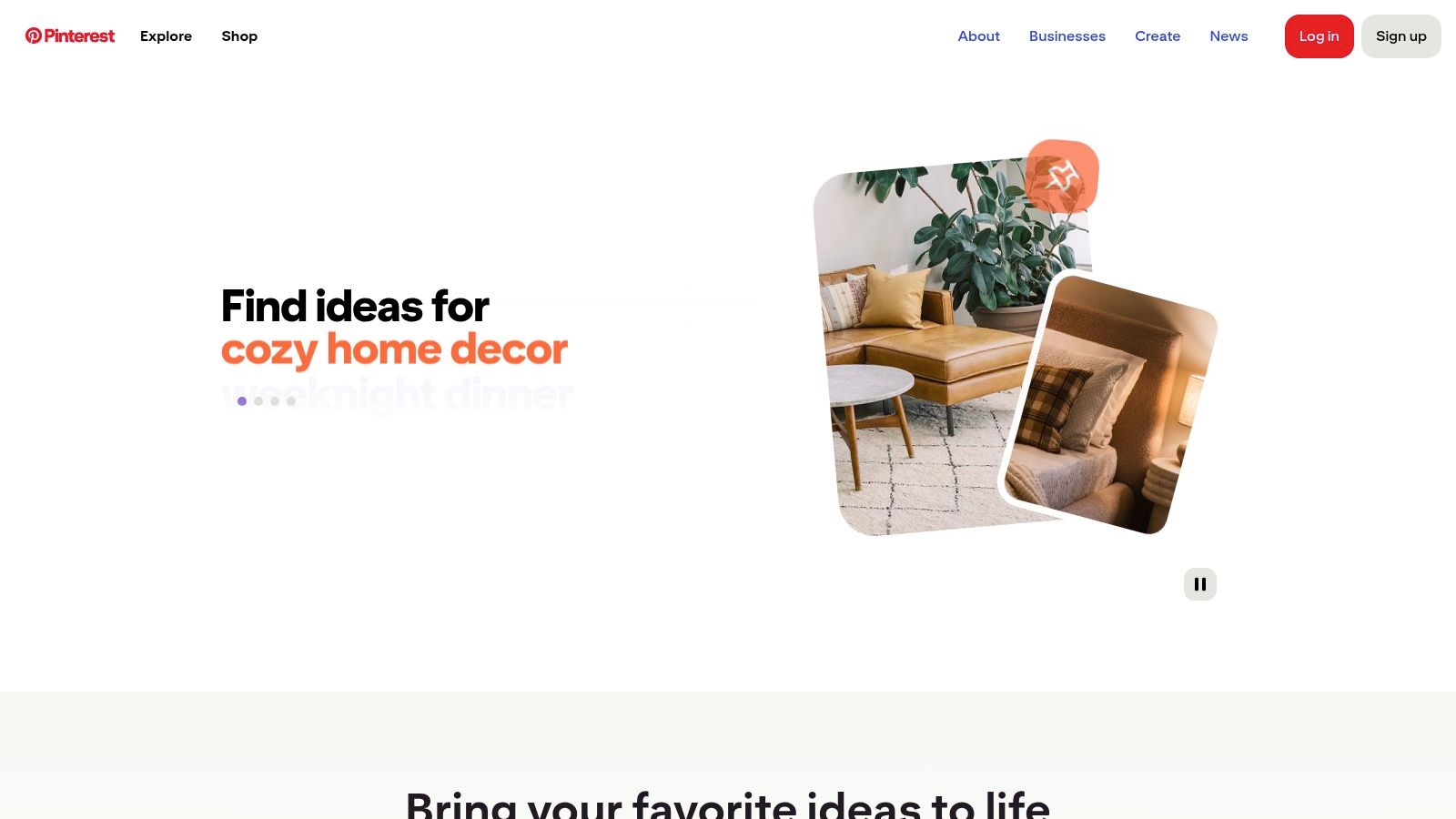
This tool shines in its simplicity and direct integration. Since it’s part of the Pinterest ecosystem, there are no external logins, API connections, or costs involved. However, its functionality is intentionally limited. You can only schedule Pins up to 30 days in advance and are restricted to 100 scheduled Pins at any given time. This makes it unsuitable for power users needing bulk uploads or advanced analytics.
Key Details & Use Cases
Best For: New bloggers, solopreneurs, or anyone who Pins infrequently and wants to maintain a consistent, simple posting schedule without extra software.
Practical Tip: Use the native scheduler to batch one week’s worth of content at a time. For instance, spend 30 minutes on Monday morning scheduling one unique Pin for each day of the upcoming week to ensure your profile stays active. This simple strategy can be a great starting point for those looking to understand how to go viral on Pinterest.
Limitations to Note: It lacks features like a content calendar view, bulk scheduling, or performance analytics, which are standard in most dedicated third-party schedulers.
Website: https://www.pinterest.com
2. Pinterest (native scheduler)
The most accessible free Pinterest scheduler is the one built directly into the platform itself. Available to all Business accounts, Pinterest’s native scheduler is the ideal starting point for creators and small businesses who want basic scheduling capabilities without committing to a third-party tool. It allows you to schedule a single standard Pin at a time, setting a specific date and time for it to go live directly from the Pin creation screen on desktop or mobile.
This tool shines in its simplicity and direct integration. Since it’s part of the Pinterest ecosystem, there are no external logins, API connections, or costs involved. However, its functionality is intentionally limited. You can only schedule Pins up to 30 days in advance and are restricted to 100 scheduled Pins at any given time. This makes it unsuitable for power users needing bulk uploads or advanced analytics.
Key Details & Use Cases
Best For: New bloggers, solopreneurs, or anyone who Pins infrequently and wants to maintain a consistent, simple posting schedule without extra software.
Practical Tip: Use the native scheduler to batch one week’s worth of content at a time. For instance, spend 30 minutes on Monday morning scheduling one unique Pin for each day of the upcoming week to ensure your profile stays active. This simple strategy can be a great starting point for those looking to understand how to go viral on Pinterest.
Limitations to Note: It lacks features like a content calendar view, bulk scheduling, or performance analytics, which are standard in most dedicated third-party schedulers.
Website: https://www.pinterest.com
3. Tailwind
Tailwind is one of the most recognized names in Pinterest marketing and a long-time official partner, making it a powerful free Pinterest scheduler for those serious about growth. Its free-forever plan is designed to give users a taste of its advanced capabilities, including its signature SmartSchedule feature, which analyzes your audience's activity to recommend the absolute best times to Pin for maximum engagement. This data-driven approach removes the guesswork from your scheduling strategy.
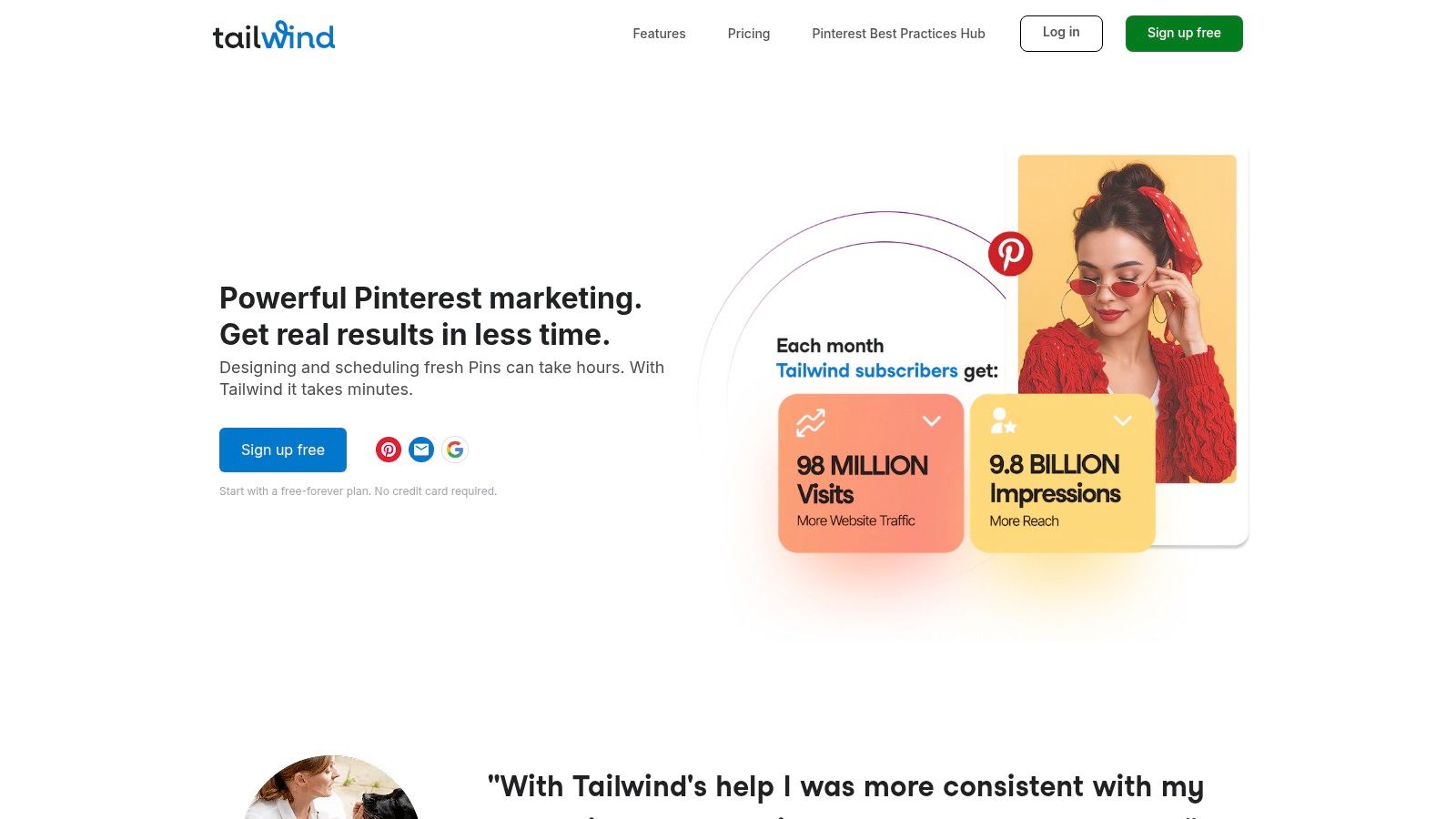
While the free plan has limits on the number of monthly posts, it provides access to core tools that showcase its value. The browser extension allows for quick scheduling from any website, and features like Board Lists let you group related boards to schedule a single Pin to multiple relevant places simultaneously. This workflow is a significant time-saver compared to scheduling one by one.
Key Details & Use Cases
Best For: Bloggers and e-commerce businesses who are ready to move beyond basic scheduling and want to test data-driven optimization features before committing to a paid plan.
Practical Tip: Use the free plan to schedule your 10 most important Pins for the month. For example, prioritize pins for new blog posts or seasonal product promotions. Let SmartSchedule dictate the timing to see if its data-backed recommendations improve your reach and engagement compared to your manual posting times.
Limitations to Note: The free plan is quite limited, offering only 20 posts per month. Advanced analytics, unlimited scheduling, and features like Tailwind Communities (formerly Tribes) require upgrading to a paid subscription.
Website: https://www.tailwindapp.com
4. Buffer
For those managing more than just Pinterest, Buffer is a well-known and reliable free Pinterest scheduler that integrates multiple social media channels into one clean dashboard. Its Free plan is a great entry point for users who need to coordinate their content across platforms like Instagram, Facebook, and Pinterest without feeling overwhelmed. You can connect up to three channels and queue 10 scheduled posts for each, making it easy to manage a light, multi-channel content strategy from a single hub.
Buffer excels with its user-friendly interface and streamlined workflow. The content composer is simple, and the calendar view provides a clear overview of your upcoming posts across all connected accounts. While the free tier’s limits are noticeable, it’s a perfect fit for a solopreneur who wants to schedule a few key Pins for the week while also managing their other social media presence.
Key Details & Use Cases
Best For: Marketers and creators who need a simple, unified dashboard to manage Pinterest alongside 1-2 other social media channels with a light posting schedule.
Practical Tip: Create a Pin for a new blog post. Schedule it in Buffer to your "Best Blog Posts" board. Then, use the same core image and link to schedule a post for your Facebook Page and a tweet for your Twitter profile, all from the same composer window. This allows you to cross-promote content efficiently while still tailoring it to each platform's best practices. Buffer's role as a versatile tool is covered in our list of the best social media management tools.
Limitations to Note: The 10-post queue limit per channel on the free plan can be restrictive for active Pinners. Advanced features like detailed analytics, team collaboration, and a content library are reserved for paid subscribers.
Website: https://buffer.com
5. Metricool
Metricool stands out as a powerful all-in-one free Pinterest scheduler and analytics platform designed for those who manage multiple social networks. Its free plan is generous enough for a single brand, allowing users to connect one Pinterest profile alongside other accounts like Instagram, Facebook, and Twitter. This integrated approach lets you see your entire digital marketing ecosystem in one place, making it more than just a simple scheduler.
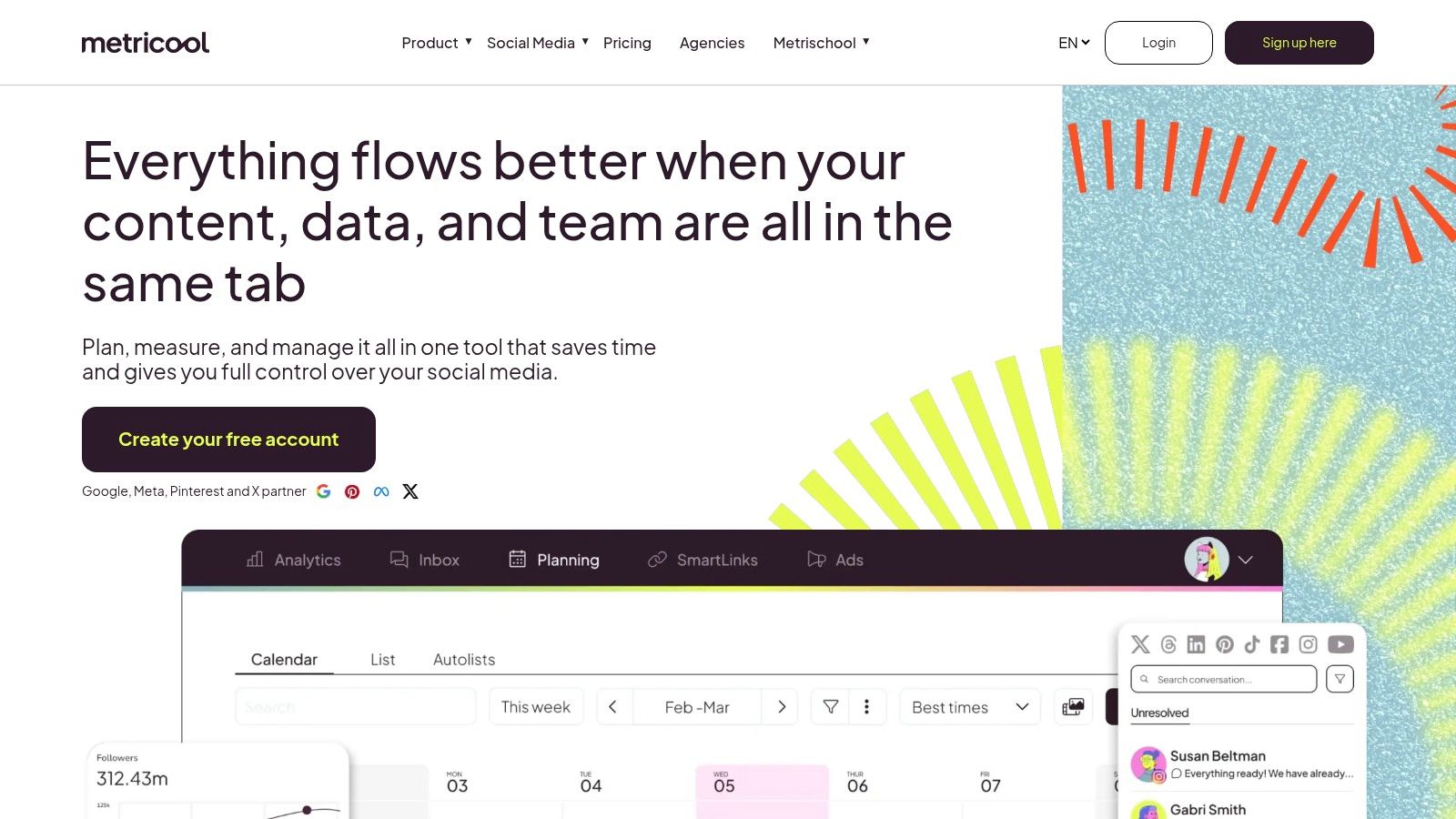
The platform combines a visual content calendar with robust analytics, a rare find on a free tier. While the free plan limits you to 50 scheduled posts per month across all connected networks, its strength lies in the data. You can track your Pinterest profile growth, Pin impressions, and engagement for the last 30 days, providing valuable insights to refine your strategy without a financial commitment.
Key Details & Use Cases
Best For: Social media managers or small business owners who manage Pinterest alongside other platforms and want a single dashboard for scheduling and basic analytics.
Practical Tip: Use Metricool’s "best times to post" feature, which analyzes your specific audience's activity. If it highlights that your audience is most active on Saturday mornings, you can use the visual calendar to drag and drop your most important Pins into those high-impact time slots, maximizing potential engagement even on the free plan.
Limitations to Note: The 50-post monthly limit is shared across all connected social profiles, so if you're a high-volume pinner, you may reach the cap quickly. Advanced analytics and longer data history require a paid subscription.
Website: https://metricool.com
6. Publer
Publer positions itself as a feature-rich social media manager with an impressively generous free Pinterest scheduler. Its Forever Free plan supports Pinterest alongside other major platforms, allowing users to schedule single image Pins, carousels (up to five images), and even video Pins. This makes it an excellent option for creators who need more than just basic image scheduling without an immediate investment.
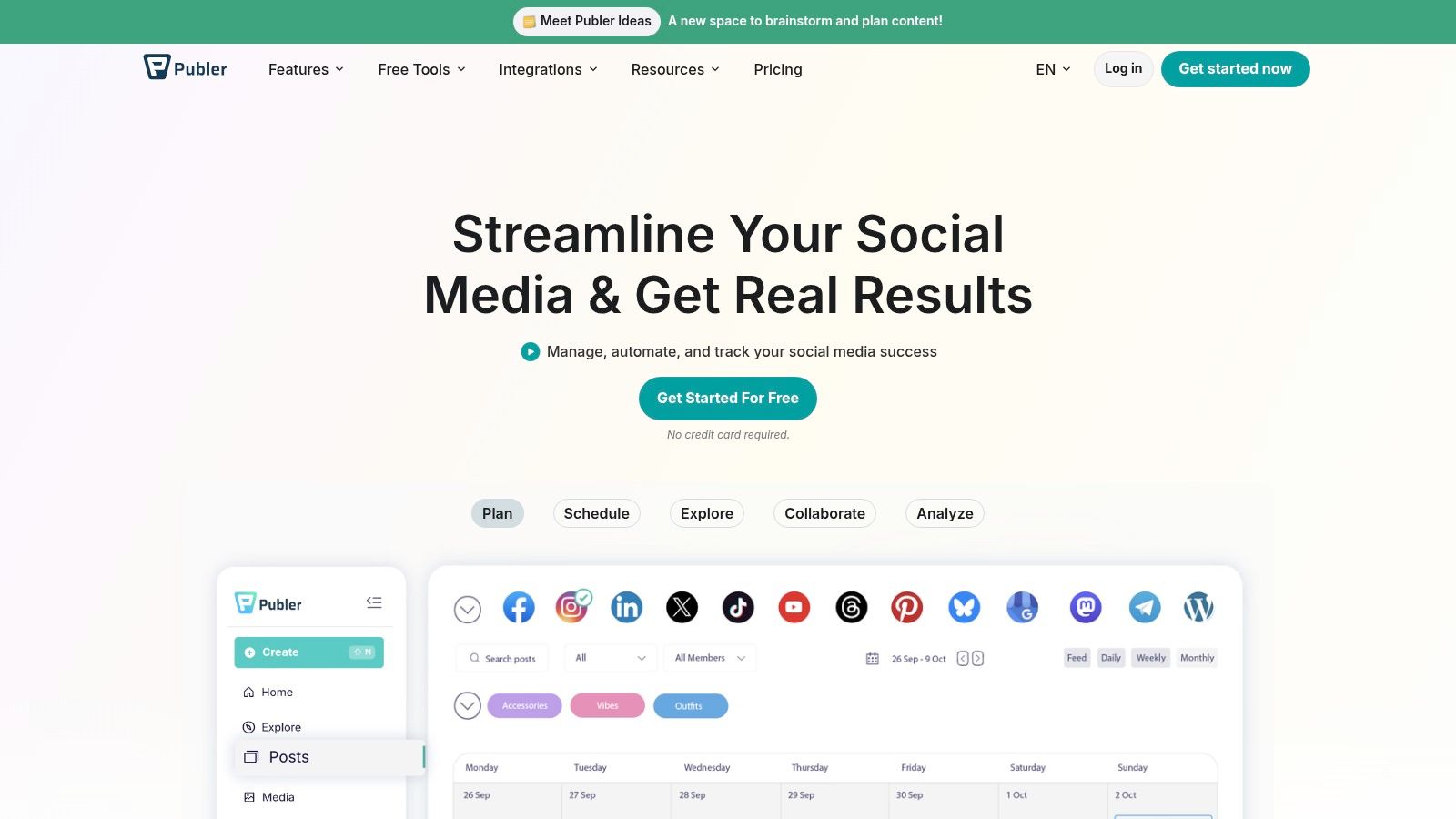
The free plan includes access to a visual calendar, bulk scheduling capabilities, automatic watermarking, and even an AI assistant to help craft descriptions. This suite of tools is rarely offered for free, making Publer a standout choice for small teams and solopreneurs looking for advanced functionality. It empowers users to manage a more complex Pinterest strategy directly from one cohesive dashboard.
Key Details & Use Cases
Best For: Social media managers and creators managing multiple platforms who need robust features like a content calendar, watermarking, and diverse Pin format support on a free plan.
Practical Tip: Use the bulk scheduling feature to upload a CSV file with your Pin titles, descriptions, and image URLs for the entire month. For example, you can prepare a spreadsheet with 30 rows, each representing a Pin for a different day, and upload it in one go. This allows you to plan and execute a high-volume pinning strategy in a fraction of the time it would take to schedule each Pin individually.
Limitations to Note: The free plan has a hurdle: some Pinterest accounts cannot be connected unless they meet follower or claimed-website criteria. Additionally, like many third-party tools, it does not support scheduling Idea Pins due to API restrictions.
Website: https://publer.io/
7. Planoly
While not a permanent free Pinterest scheduler, Planoly earns its spot by offering a robust 14-day free trial that gives users a full taste of its visually driven workflow. Best known for its Instagram planning tools, Planoly integrates Pinterest into its Multi-Channel Workspace, making it a great option for creators who want to manage multiple visual platforms from one polished dashboard. The interface is clean, intuitive, and prioritizes a grid-style content calendar.
Planoly’s strength lies in its cohesive, visual-first planning experience. During the trial, you can upload media, use its AI caption writer for Pin descriptions, and schedule Pins to your chosen boards directly from the web or mobile app. Its all-in-one approach is excellent for testing a premium, multi-channel workflow before committing. However, once the trial ends, a paid subscription is required to continue using the scheduling features.
Key Details & Use Cases
Best For: Visual-centric brands, creators, and social media managers who primarily use Instagram and want to test-drive an integrated Pinterest scheduling workflow.
Practical Tip: Maximize the 14-day trial by planning two full weeks of content for both Instagram and Pinterest. For example, if you have a new product line, you can map out a cohesive visual story with carousels on Instagram and detailed infographic Pins on Pinterest, scheduling them all from one calendar to ensure the campaign launches in sync.
Limitations to Note: There is no "Free Forever" plan for scheduling. After the trial period expires, you must upgrade to a paid subscription to continue scheduling Pins, making it a temporary solution for those seeking a truly free tool.
Website: https://www.planoly.com
8. Vista Social
Vista Social offers a robust, full-suite social media management experience that extends its powerful features to Pinterest. While not a permanently free Pinterest scheduler, its 14-day free trial (no credit card required) provides a comprehensive look into what an advanced, team-oriented tool can offer. It supports bulk scheduling via CSV, a centralized media library, and detailed reporting, making it a strong contender for those testing more scalable workflows.
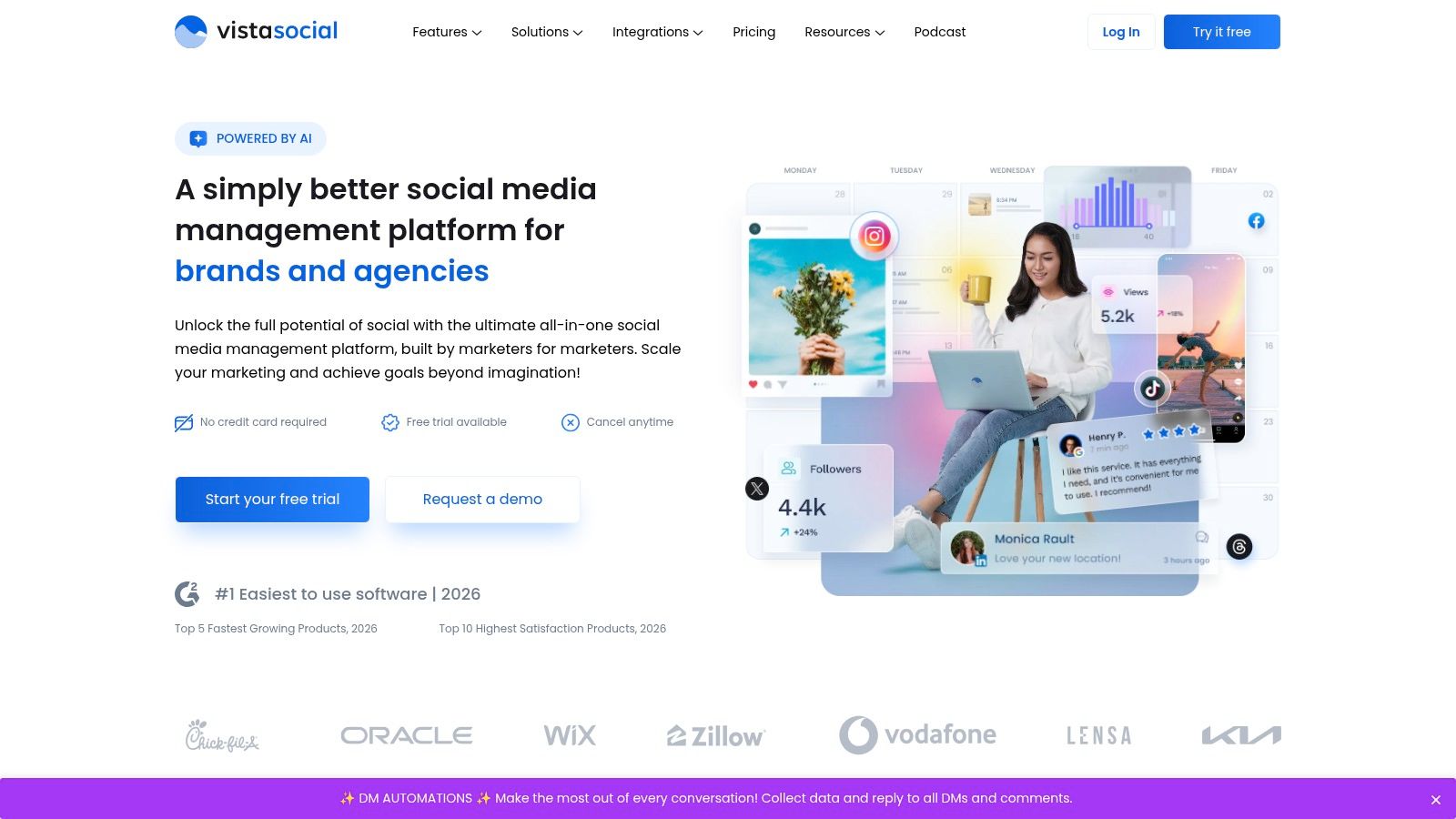
This platform stands out with its enterprise-level features available during the trial. You can auto-post directly to specific boards and sections, leverage an AI assistant for Pin descriptions, and manage team workflows seamlessly. This makes it an excellent choice for agencies or businesses looking to evaluate a sophisticated scheduler before committing to a paid plan. The trial period is generous enough to fully test its capabilities.
Key Details & Use Cases
Best For: Marketing teams, agencies, and e-commerce brands needing to test advanced bulk scheduling and reporting features before investing in a paid tool.
Practical Tip: Use the 14-day trial to its full potential. Prepare a CSV file with a month's worth of Pin titles, descriptions, links, and image URLs. Upload it on day one to experience the bulk scheduling feature and see how it streamlines your entire Pinterest workflow for weeks ahead. This gives you a clear picture of the time saved before you have to make a purchase decision.
Limitations to Note: The platform has no free-forever plan, so it functions only as a temporary solution unless you upgrade. Some mobile posting functions may rely on push notifications for final publishing.
Website: https://vistasocial.com
9. SocialPilot
SocialPilot positions itself as a robust social media management tool, and while it doesn't offer a permanent free Pinterest scheduler, its 14-day free trial provides a comprehensive look into high-level scheduling. It’s primarily built for agencies and marketing teams, offering features that go far beyond what a typical solo creator might need. Its strength lies in managing multiple client accounts and complex approval workflows efficiently.
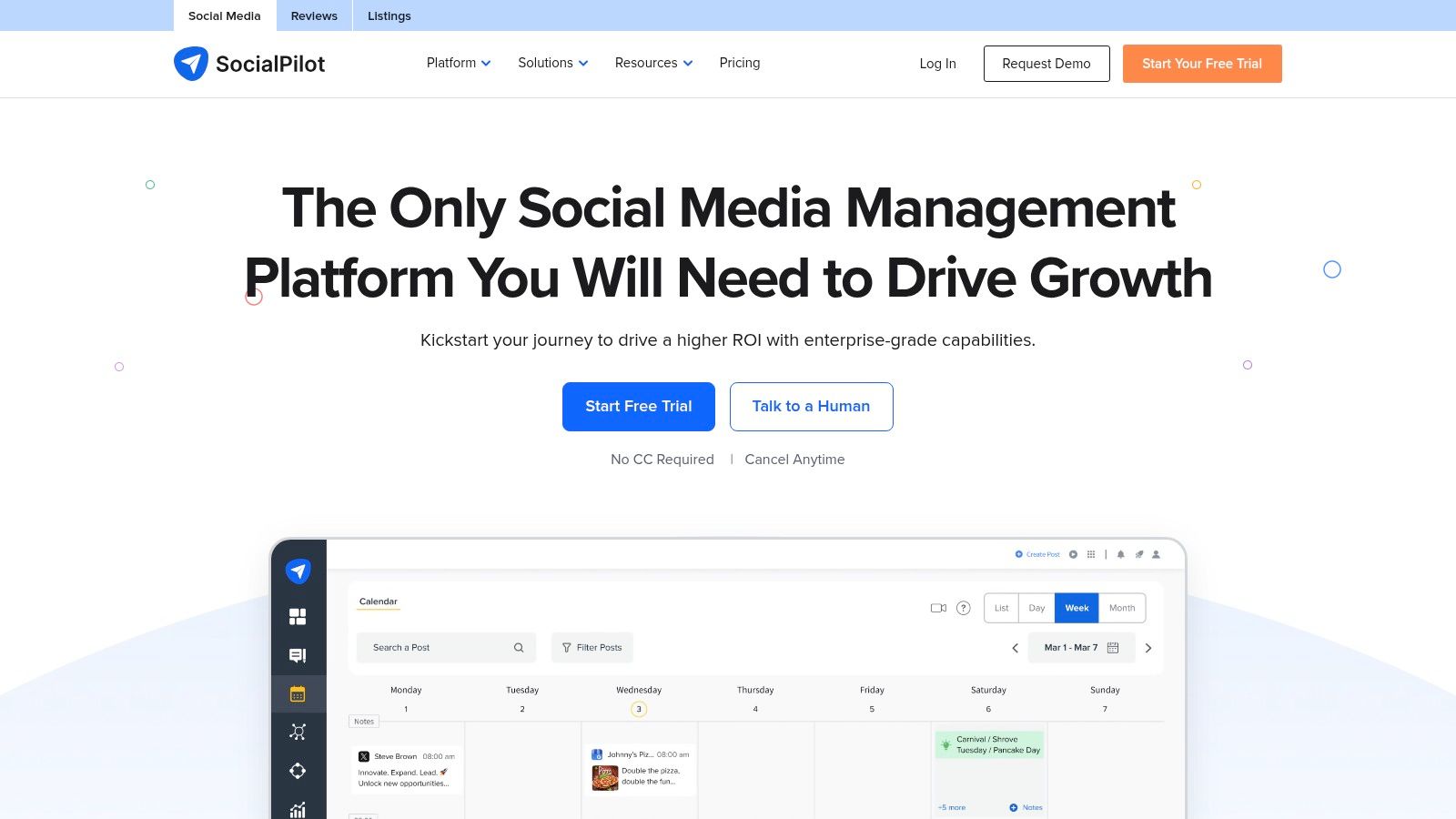
The platform stands out with its powerful bulk scheduling, which allows users to upload and schedule up to 500 Pins at once using a CSV file. This makes it an excellent choice for businesses with large content backlogs. However, after the trial period, it becomes a paid-only service, which makes it less of a long-term free solution and more of a "try-before-you-buy" option for those considering an upgrade.
Key Details & Use Cases
Best For: Marketing agencies or social media managers who need to manage multiple Pinterest accounts for clients and require team collaboration or approval features.
Practical Tip: During the 14-day trial, use the bulk scheduling feature to upload and schedule a month's worth of Pins from a prepared spreadsheet. This allows you to experience its core time-saving benefit and decide if the paid plan is a worthwhile investment for your workflow. For example, an agency could schedule content for five different clients in one afternoon.
Limitations to Note: There is no permanent free plan. The lowest-tier paid plan is feature-rich but may be too expensive and complex for an individual blogger or small business owner who only needs basic Pinterest scheduling.
Website: https://www.socialpilot.co
10. OneUp
OneUp is a social media scheduling tool that includes Pinterest support, with a standout feature for repeating evergreen posts. While primarily a paid service, its 7-day free trial allows users to test its capabilities as a potential free Pinterest scheduler for a short term. It's designed for users who want to set and forget their most valuable, non-seasonal content, ensuring consistent traffic flow without manual re-pinning.
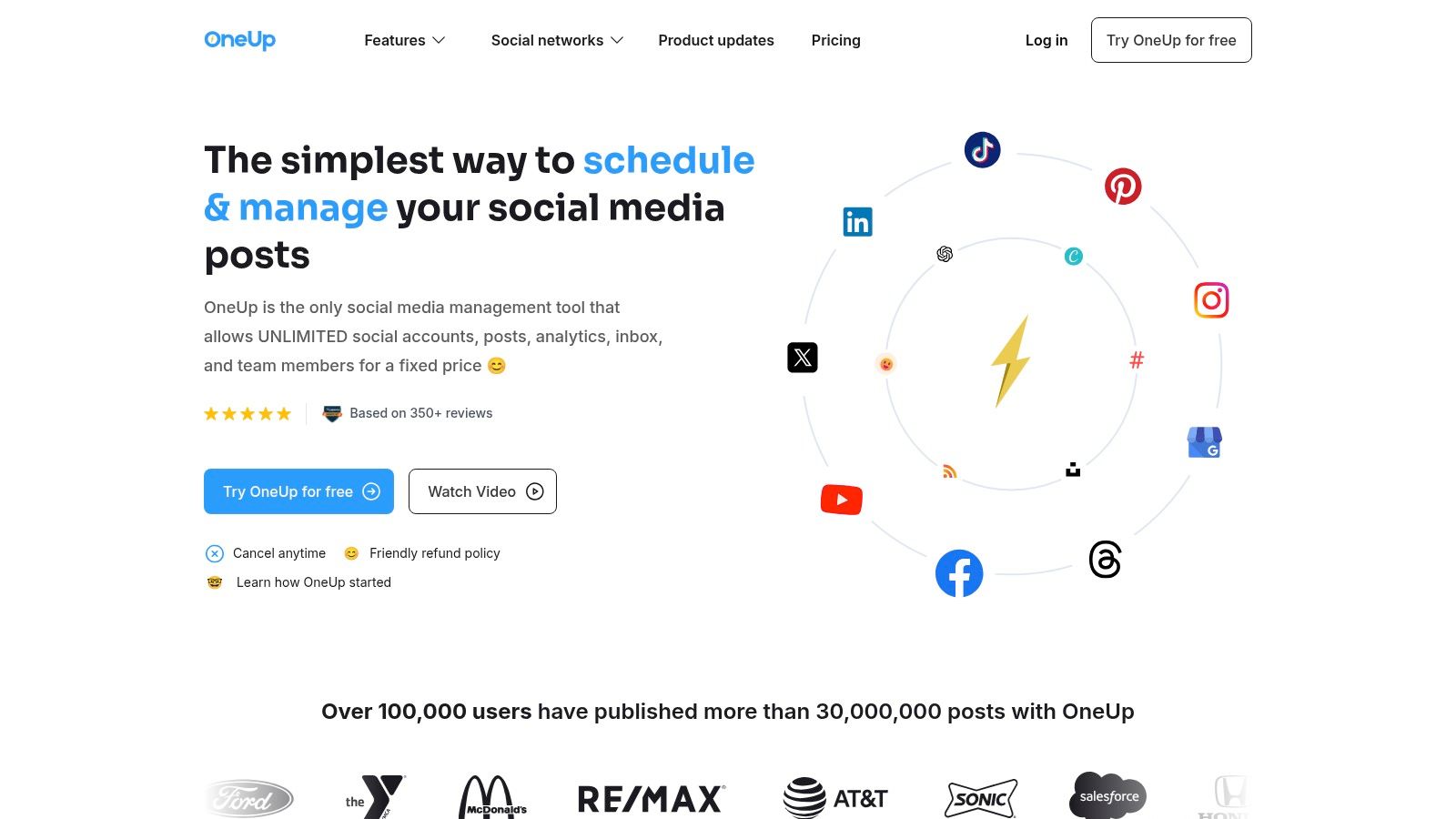
The platform's strength lies in its automation simplicity, especially for those managing multiple social media accounts alongside Pinterest. You can schedule a Pin and configure it to re-post automatically at set intervals, such as every 30 or 60 days. This makes it a great tool for continually promoting cornerstone blog content, popular products, or affiliate links without cluttering your workflow. However, after the trial, a paid plan is required to continue using the service.
Key Details & Use Cases
Best For: Bloggers and e-commerce stores with a large backlog of evergreen content who want to automate its recirculation on Pinterest and other social platforms.
Practical Tip: During the free trial, identify your top 10 best-performing evergreen Pins—for instance, a popular recipe or a foundational "how-to" guide. Schedule them in OneUp to repeat on a 45-day cycle. This keeps your most valuable content visible to new followers without requiring constant manual effort.
Limitations to Note: The free access is limited to a 7-day trial. The platform's analytics for Pinterest are more basic compared to dedicated Pinterest marketing suites.
Website: https://www.oneupapp.io
11. Crowdfire
Crowdfire stands out as a social media management tool offering a generous free Pinterest scheduler within its "Free Forever" plan. It’s designed for creators and businesses managing multiple social profiles who need a single dashboard for basic scheduling and content discovery. The free tier supports Pinterest alongside other platforms, allowing users to schedule up to 10 posts per account at any given time, including both static images and videos.
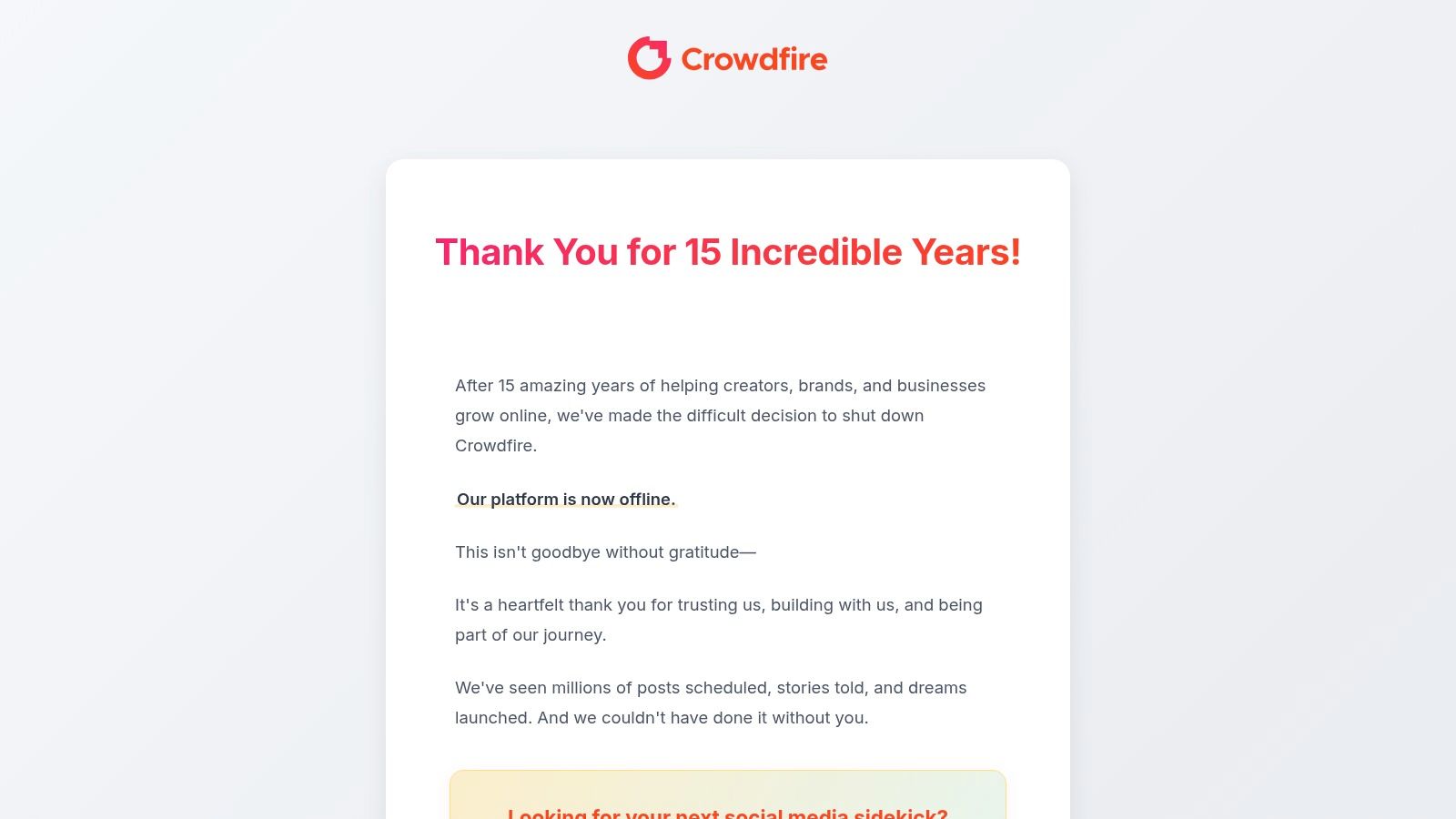
This platform is particularly useful for its content curation features, which suggest articles and images relevant to your topics of interest. You can easily share this discovered content directly to your Pinterest boards. While the interface and documentation can feel less modern than newer tools, its persistent free plan with functional limits provides reliable value for those not ready to invest in a paid subscription.
Key Details & Use Cases
Best For: Marketers managing a few social media accounts who want a single tool for basic scheduling and content idea generation without a time-limited trial.
Practical Tip: Use Crowdfire's browser extension to quickly save an interesting article or image you find online and schedule it directly to a relevant Pinterest board. For example, a food blogger could find a compelling article on "10 Baking Tips" and instantly schedule it to their "Baking Hacks" board, streamlining the process of filling their content queue with valuable, third-party content.
Limitations to Note: The 10-post limit per account can be restrictive for daily Pinners. Advanced analytics, bulk scheduling, and higher posting limits are all locked behind paid plans.
Website: https://www.crowdfireapp.com
12. Later
Later is a highly popular, visual-first social media management platform that positions itself as a great trial option rather than a permanent free Pinterest scheduler. While it doesn’t offer a "free forever" plan that includes Pinterest scheduling, its 14-day free trial provides full access to its powerful, aesthetically pleasing scheduling tools. This makes it an excellent choice for users who want to test-drive a premium, visual-centric workflow before committing to a paid plan.

The platform shines with its drag-and-drop visual calendar, which allows you to plan your Pinterest feed with the same care as an Instagram grid. Its robust media library and link-in-bio features add significant value, centralizing content management. However, once the trial period ends, you must upgrade to a paid plan to continue scheduling Pins, making it a temporary solution for those strictly seeking free tools.
Key Details & Use Cases
Best For: Marketers and brands who prioritize visual planning and want to test a premium, multi-platform scheduler before making a financial commitment.
Practical Tip: Maximize the 14-day trial for a major campaign or product launch. Use the visual calendar to meticulously plan your Pin designs and schedule them at optimal times suggested by the platform. For example, you can visually arrange a week's worth of Pins, ensuring a consistent color palette and style, to see if the investment would be worthwhile for your brand.
Limitations to Note: Its biggest limitation is the lack of a permanent free plan for Pinterest. The free trial is a gateway to its paid subscriptions, which start at a higher price point than some competitors.
Website: https://later.com
Free Pinterest Scheduler: 12-Tool Comparison
Tool | Core features & USP ✨ | UX & quality ★ | Price & value 💰 | Target audience 👥 |
|---|---|---|---|---|
NicheTrafficKit 🏆 | ✨ AI end‑to‑end content (platform-specific posts, captions, carousels, faceless YouTube), multi‑platform publishing, viral pin design, auto‑resurface top content | ★ 4.9★ (1k+ reviews); advanced analytics; highly automated | 💰 Creator $39 / Pro $89 / Ultimate $499; token‑based + free trial (no card) | 👥 Creators, founders, in‑house teams & agencies |
Pinterest (native scheduler) | ✨ Schedule/edit standard Pins from web/mobile; manage scheduled Pins | ★ — simple, native reliability | 💰 Free for Business accounts | 👥 Casual creators wanting a free native tool |
Tailwind | ✨ SmartSchedule, browser extension, bulk workflows, Pinterest analytics | ★ Popular for Pinterest‑first workflows | 💰 Free Forever (limited); paid for higher volume | 👥 Pinterest‑focused creators & marketers |
Buffer | ✨ Multi‑platform composer, queue/calendar, cross‑posting | ★ Clean, fast to learn | 💰 Free plan: 3 channels ×10 posts; paid tiers for more | 👥 Small teams & multi‑network creators |
Metricool | ✨ Scheduling + visual calendar + usable analytics (competitor tracking) | ★ Analytics‑friendly on free tier | 💰 Free: 1 brand, 20 posts/mo; paid for larger needs | 👥 Creators wanting insight + scheduling |
Publer | ✨ Supports image/carousel/video Pins, bulk scheduling, watermarking, AI assistant | ★ Feature‑dense for creators | 💰 Generous free plan; some connect limits apply | 👥 Small teams & creators needing rich post types |
Planoly | ✨ Visual planner, AI caption suggestions, media library, multi‑channel calendar | ★ Polished, visual‑first UX | 💰 14‑day free trial → paid plans | 👥 Visual content creators & influencers |
Vista Social | ✨ Bulk CSV uploads, media library, reporting, team workflows | ★ Robust for multi‑profile workflows | 💰 14‑day free trial; paid thereafter | 👥 Teams and agencies needing bulk + reporting |
SocialPilot | ✨ Bulk scheduling, team roles & approvals, client workflows | ★ Agency‑oriented reliability | 💰 14‑day free trial; paid plans for scale | 👥 Agencies & multi‑brand managers |
OneUp | ✨ Repeating posts for evergreen content, approval flows, basic analytics | ★ Simple and affordable | 💰 7‑day trial; low‑cost paid tiers | 👥 Creators with evergreen/recurring content |
Crowdfire | ✨ Free plan (up to 10 scheduled posts/account), content curation, discovery tools | ★ Basic but ongoing free option | 💰 Free Forever (limited); paid for higher limits | 👥 Budget‑conscious creators wanting free ongoing scheduling |
Later | ✨ Visual calendar, UGC sourcing, media management, link‑in‑bio | ★ Polished planning & collaboration | 💰 14‑day free trial → paid plans | 👥 Influencers & visual planners |
Choosing Your Perfect Scheduler: Beyond the Free Plan
You’ve now explored a comprehensive list of the best free Pinterest scheduler options available, from the straightforward native Pinterest tool to the feature-rich free tiers of platforms like Vista Social and Publer. The journey to effective Pinterest automation begins with understanding that the right tool is highly dependent on your specific stage of growth and strategic goals.
For a creator just starting out, the simplicity of Pinterest’s own scheduler or the limited-but-functional free plan from a tool like Buffer is often the perfect entry point. These options allow you to build the crucial habit of consistent pinning without any financial investment. They let you test your content strategy, understand what resonates with your audience, and establish a baseline workflow.
From Free to Strategic: Knowing When to Upgrade
The true test of a free tool comes when your strategy begins to mature. You'll likely encounter a growth ceiling, a point where the limitations of a free plan actively hinder your progress. Recognizing these triggers is key to knowing when it’s time to invest in a more powerful solution.
Ask yourself these critical questions:
Is scheduling becoming a time sink again? If you're spending too much time navigating post limits or manually re-adding content, a free plan is no longer saving you time. For example, if you have to log in every three days to refill your 10-post queue on Buffer, the tool is creating friction instead of removing it.
Are you making decisions in the dark? The basic analytics provided by most free tools are insufficient for deep strategic pivots. You need to know which specific Pin drove 500 clicks last month, not just your total impressions. Robust data on Pin performance, board engagement, and audience behavior is essential to truly optimize your efforts.
Is your content strategy scaling? As you expand to more boards, experiment with different content types like Idea Pins and Video Pins, or manage multiple accounts, the organizational features of a free scheduler will quickly become inadequate. A paid tool offers features like a unified content library or shared team calendars.
Do you need smarter scheduling? Features like optimal time-slot recommendations (like Tailwind’s SmartSchedule) or automated content recycling are hallmarks of paid plans and can dramatically improve your reach and engagement. This means your best content gets seen by more people without you having to guess the best time to post.
As you consider these different scheduling options, it's beneficial to understand how they fit within the larger ecosystem of essential social media content management tools. A scheduler is just one piece of a much larger puzzle that includes content creation, analytics, and community management.
The Final Step: From Scheduling to Full Automation
Ultimately, finding the best free Pinterest scheduler is the first step on a larger journey. It’s about building a foundation for growth. Once that foundation is solid, the next logical evolution is to move beyond simple scheduling and embrace true automation. This is where a platform like NicheTrafficKit stands apart. While the tools we've discussed help you schedule what you've already created, NicheTrafficKit automates the entire process from start to finish: from AI-driven trend analysis and content creation to SEO-optimized descriptions and intelligent publishing.
Your choice today should serve your immediate needs while preparing you for your future ambitions. Start with the free tool that best aligns with your current workflow, master the art of consistency, and keep your eyes on the horizon. When you're ready to transform your Pinterest from a manual task into an automated, self-sustaining growth engine, you'll know exactly what to look for.
Ready to skip the limitations and move directly to a fully automated growth strategy? NicheTrafficKit goes beyond scheduling by using AI to create, optimize, and publish your Pinterest content for you. Discover how to put your Pinterest growth on autopilot by visiting NicheTrafficKit today.
